


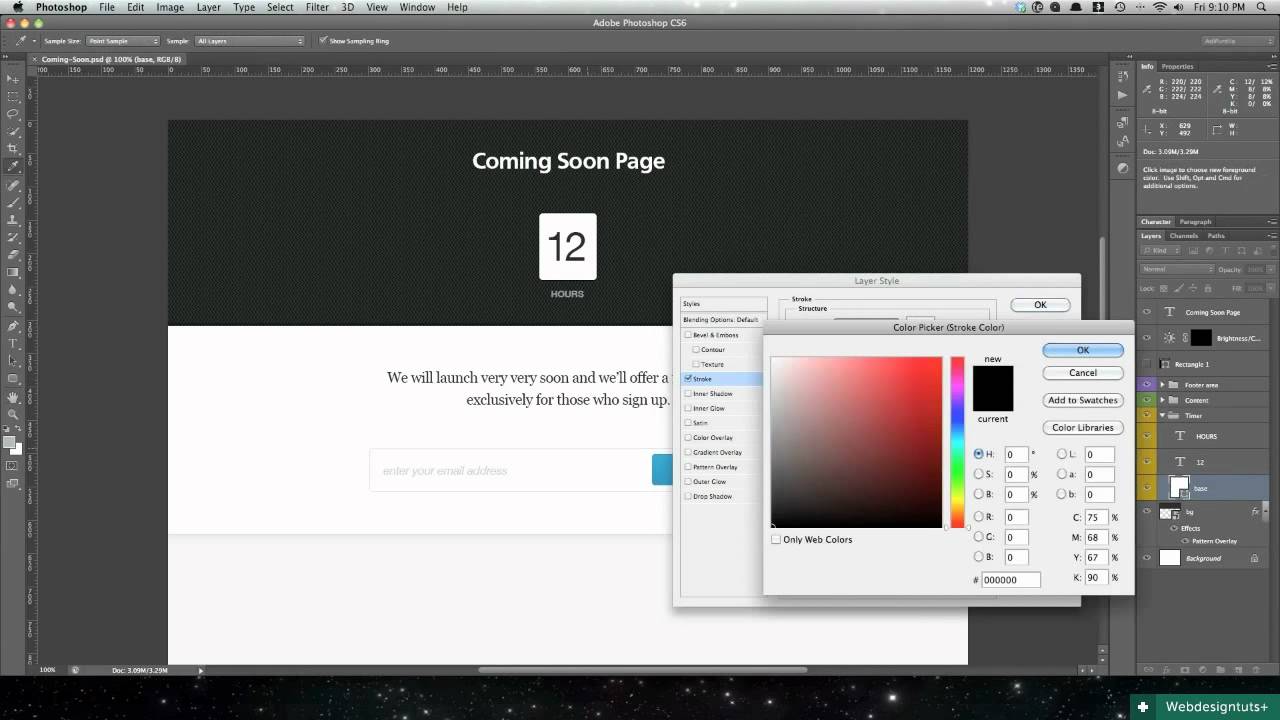
Today we'll begin working on a Coming Soon page based on the countdown timer which I recently designed. In this particular screencast we'll complete the Photoshop design stage and (just for kicks) you'll also find a timelapsed video of the whole process.
Photoshop Design
In later screencasts we'll build this design using HTML and CSS, with a jQuery plugin to get the countdown timer working. For now though, let's concentrate on the visuals..

Alternatively, Download the video, or subscribe to Webdesigntuts+ screencasts via iTunes or YouTube!
Timelapsed Footage
Who doesn't love a bit of timelapsed design footage? Here's the Coming Soon page furnished with some ambient music Euphoria Vol. 3 on AudioJungle.
Alternatively, Download the video, or subscribe to Webdesigntuts+ screencasts via iTunes or YouTube!
Additional Resources
- Euphoria Vol. 3 on AudioJungle
- 20 Repeatable Patterns on Premium Pixels
- Rounded Corners Done Right on Webdesigntuts+
 By
By






