

Our Skeleton layout contains a number of responsive challenges, not least of which being the primary navigation. In these screencasts we'll prepare things by tidying up the baseline grid, talking about image replacement, styling the menu and finally using some jQuery to help make things responsive.
Baseline Grid and Logo
Before we dive into the primary navigation itself, we need to tidy up a few aspects of our layout. To begin with we'll need to make sure that all measurements we have so far work in harmony with our baseline grid. Secondly, we're going to talk about an alternative approach to image replacement which highlights some important points about performance.
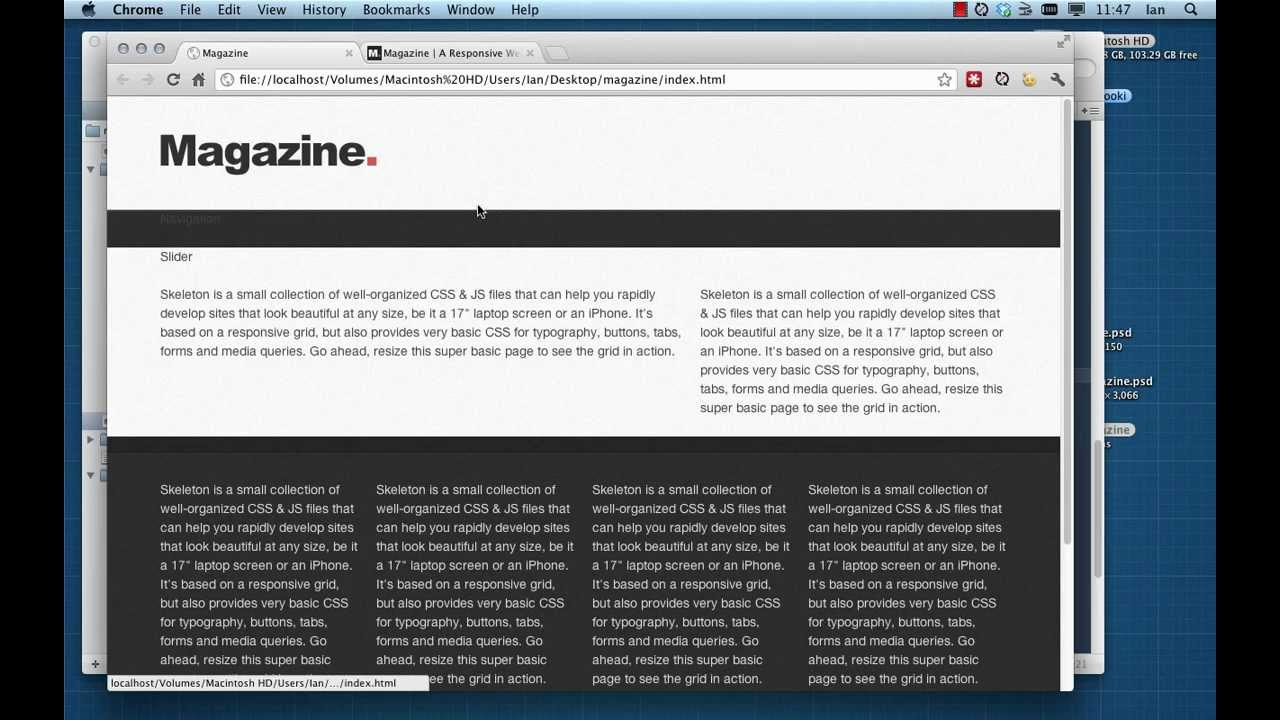
Primary Navigation Base
The basis of our primary navigation is a slick looking menu with a dropdown submenu and some subtle transitions. In this video we're going to cover the basic mechanics of a css dropdown menu, plus some points (relating to what we were talking about with image replacement) about performance and accessibility.

Responsive Navigation
Having gotten the navigation working, it's time to consider how our mobile users will experience it. We're going to use jQuery and CSS media queries to swap out the standard menu with a <select> alternative for small screen sizes.
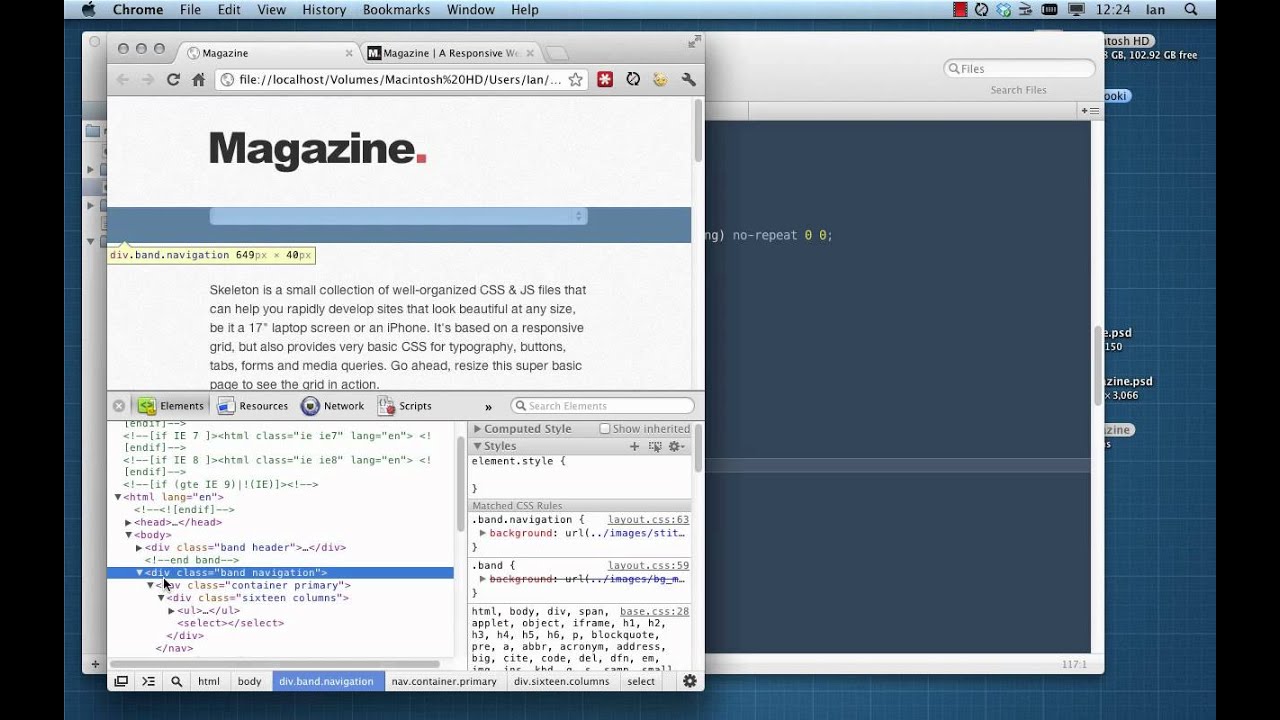
One Last Point
As mentioned by Michael, the submenu items as they currently stand will look dreadful when they drop drown from small menu items:


This is because the submenu width is set to equal the width of the parent link. Text within the links is wrapping and the whole thing is messed up. We can solve this by adding one additional rule to the submenu links:
1 |
nav.primary ul ul li a { |
2 |
white-space: nowrap; |
3 |
}
|
which prevents text wrapping and forces the submenu to grow width-ways. Much better!


Additional Resources
Some useful links to further build on what's been covered in these videos.
- Connor Turnbull's Setting Web Type to a Baseline Grid
- Nicolas Gallagher's CSS image replacement technique
- Jeffrey Zeldman's Replacing the -9999px Hack
- Chris Coyier's Convert a Menu to a Dropdown for Small Screens
- Jeffrey Way's 30 Days to Learn jQuery - the best way to get to grips with jQuery by far..
 By
By






