

- Overview
- Transcript
1.2 The HTML Template
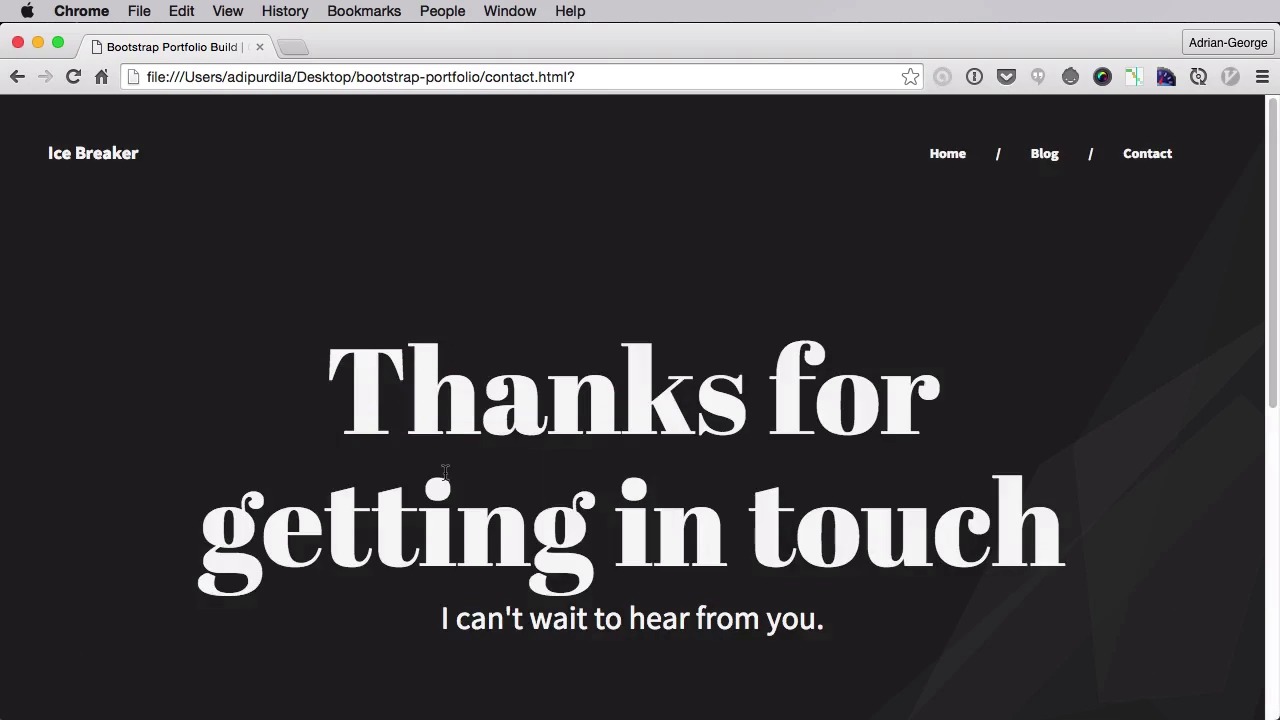
Welcome to the first lesson of this course. Let's kick things off by having a look at the original HTML template created by Cory.
1.Introduction
1.1Welcome00:31
1.1
Welcome
00:31
1.2The HTML Template02:55
1.2
The HTML Template
02:55
2.Building the Essential Files
2.1Preparing the Theme Files06:35
2.1
Preparing the Theme Files
06:35
2.2Beginning the Page Header11:30
2.2
Beginning the Page Header
11:30
2.3Completing the Page Header10:38
2.3
Completing the Page Header
10:38
2.4Creating the Blog Page Content and Footer11:21
2.4
Creating the Blog Page Content and Footer
11:21
2.5Completing the Blog Page Content and Footer14:50
2.5
Completing the Blog Page Content and Footer
14:50
2.6Creating the Blog Page Sidebar05:41
2.6
Creating the Blog Page Sidebar
05:41
2.7Loading the Necessary Scripts08:32
2.7
Loading the Necessary Scripts
08:32
2.8Creating the Post Page05:35
2.8
Creating the Post Page
05:35
3.Creating Custom Elements
3.1Creating the Recent Projects Widget07:25
3.1
Creating the Recent Projects Widget
07:25
3.2Creating the Homepage10:53
3.2
Creating the Homepage
10:53
3.3Creating the Contact Page04:14
3.3
Creating the Contact Page
04:14
4.Conclusion
4.1Final Words01:15
4.1
Final Words
01:15





