
- Overview
- Transcript
4.3 Restyling a Design
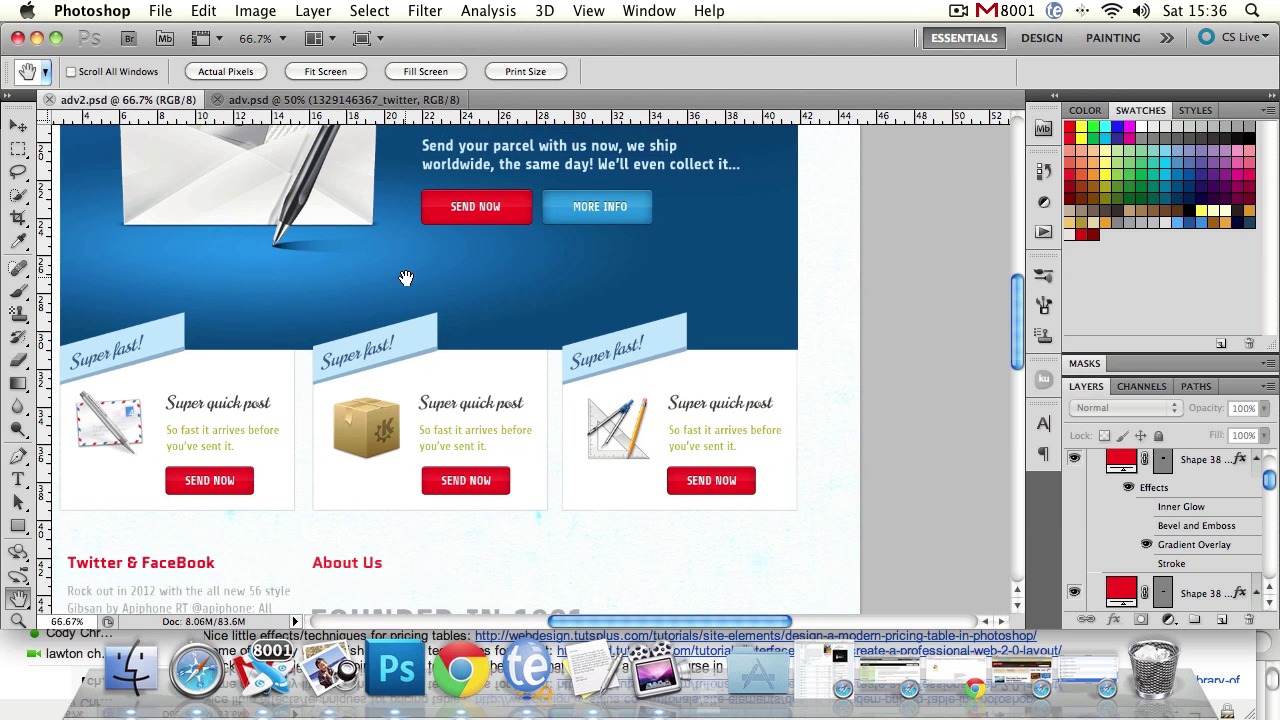
Now we're going to learn how to easily restyle a design.
1.Introduction
1.1Introduction03:09
1.1
Introduction
03:09
2.Page Design & Build
2.1Textured Backgrounds13:48
2.1
Textured Backgrounds
13:48
2.2Pixel Patterns & Transparency09:20
2.2
Pixel Patterns & Transparency
09:20
2.3Design Grids14:29
2.3
Design Grids
14:29
2.4Fine Alignment10:34
2.4
Fine Alignment
10:34
2.5Incorporating Stock Assets08:25
2.5
Incorporating Stock Assets
08:25
2.6Boilerplates16:43
2.6
Boilerplates
16:43
2.7Adobe Kuler in Your Workflow08:19
2.7
Adobe Kuler in Your Workflow
08:19
3.Styles & Techniques
3.1Buttons, Bars & Tabs24:34
3.1
Buttons, Bars & Tabs
24:34
3.2Ribbons and Banners24:52
3.2
Ribbons and Banners
24:52
3.3Tiled Backgrounds and Seamless Textures08:37
3.3
Tiled Backgrounds and Seamless Textures
08:37
3.4Creating Icons14:41
3.4
Creating Icons
14:41
3.5Shadows21:14
3.5
Shadows
21:14
4.Putting it All Together
4.1Our Course Design01:27
4.1
Our Course Design
01:27
4.2Wireframing09:01
4.2
Wireframing
09:01
4.3Restyling a Design08:57
4.3
Restyling a Design
08:57
4.4Polishing & Extra Details12:08
4.4
Polishing & Extra Details
12:08
5.Conclusion
5.1Conclusion01:40
5.1
Conclusion
01:40





