

- Overview
- Transcript
2.4 Using CSS Variables With Inline Styles
In this lesson, I’ll show you how you can use CSS variables with inline styles. I don’t recommend you use inline styles in production, in the final code you deploy. However, you can use inline styles for testing or during development. So let me show you how variables can help you during this stage.
Related Links
1.Introduction
1.1Welcome to the Course01:11
2.The Basics of CSS Variables
2.1What Are CSS Variables?09:36
2.2Inheritance and Scoping23:45
2.3Working With Invalid Variables and Fallback Values11:19
2.4Using CSS Variables With Inline Styles03:49
2.5Storing Single and Multiple Values07:23
3.Some Things You Should Know About CSS Variables
3.1Using CSS Variables With Media Queries and JavaScript10:47
3.2Working With Variables Inside Browser DevTools06:10
2.4 Using CSS Variables With Inline Styles
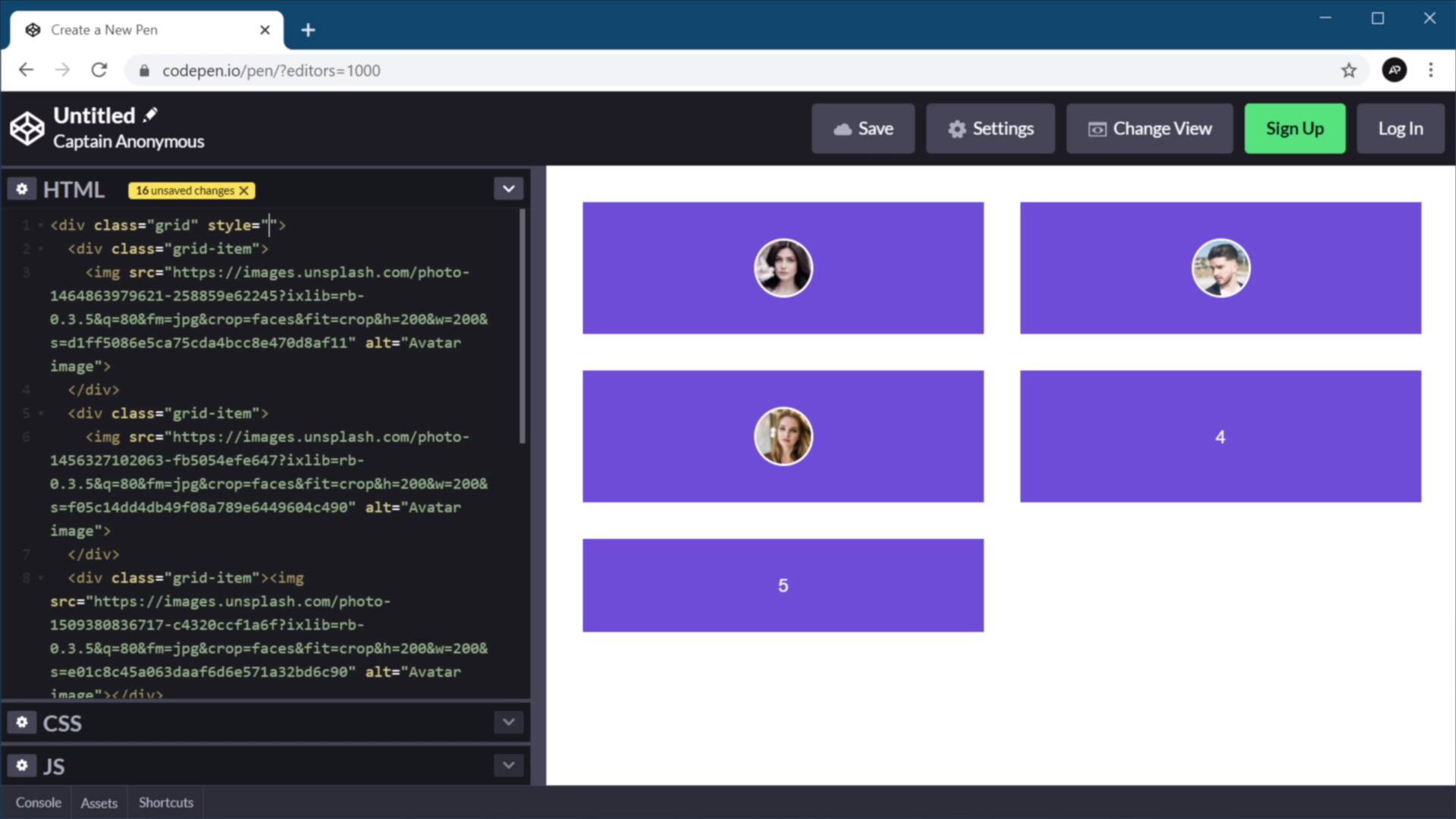
Welcome back to the course. In this lesson, I'm gonna show you how to use CSS variables with inline styles. Now, with that said, I don't recommend you use inline styles in production, right, in the final stages of your code. Because it has a tendency of breaking the CSS specificity that you defined in your stylesheet. But you can use inline styles during development or during testing, that's totally fine. So, let me show you how variables can help you in this stage. Here I have a simple example, I define the grid and define some grid items. And in terms of CSS, well it's nothing fancy really, code that I got from the other lessons. This is the one that we used in the lesson where we defined the grid. And all that's left to do here is define the actual variables. So I'm gonna define them in the root. And we just have three variables. Avatar size, I'm gonna set this to 3 rams. The column width I'm gonna set this at 20 rams. And then the gap, it's gonna be a simple calculation of my column width divided by 10. Okay, so that's my grid, right? But let's say that during development or during testing I wanna play around with different values for the grid, right? And I don't wanna open up the CSS file again. I can do this directly from my browser using inline styles, right? So I can go ahead and define an inline style like this. And I can say, okay, let's see how the column width looks like, or how the grid looks like when I'm using 10 rams for the column width, right? So that looks pretty good. Maybe you can play around with the size here, what about 12 columns, or 12 rams, or maybe 15, right? And you can play around with these different values, and you can quickly see what value would be best for you. Or maybe you wanna say, okay, how about we change the avatar size to 5 rams instead of 3 rams as I normally have? It's gonna look something like this. And then again, you can play around with the different values. The benefit of working like this is that you don't change anything in your CSS file, and when you're done, you can say that okay, I like this version 15 rams and 4.5. You can just go into your CSS, change these two variables, and then you can simply delete this completely, and you're all done. So yes, CSS variables can be used with inline styles. And they can be pretty useful during development or when you wanna make a certain smaller revisions, but don't use these in your final quote. Now, so far we've used variables that store a single value. But you can do much more with CSS variables, and you can even store multiple values in a single variable. I'm gonna show you how to do that in the next lesson. So I'll see you there.





