
 Lessons: 8Length: 1.2 hours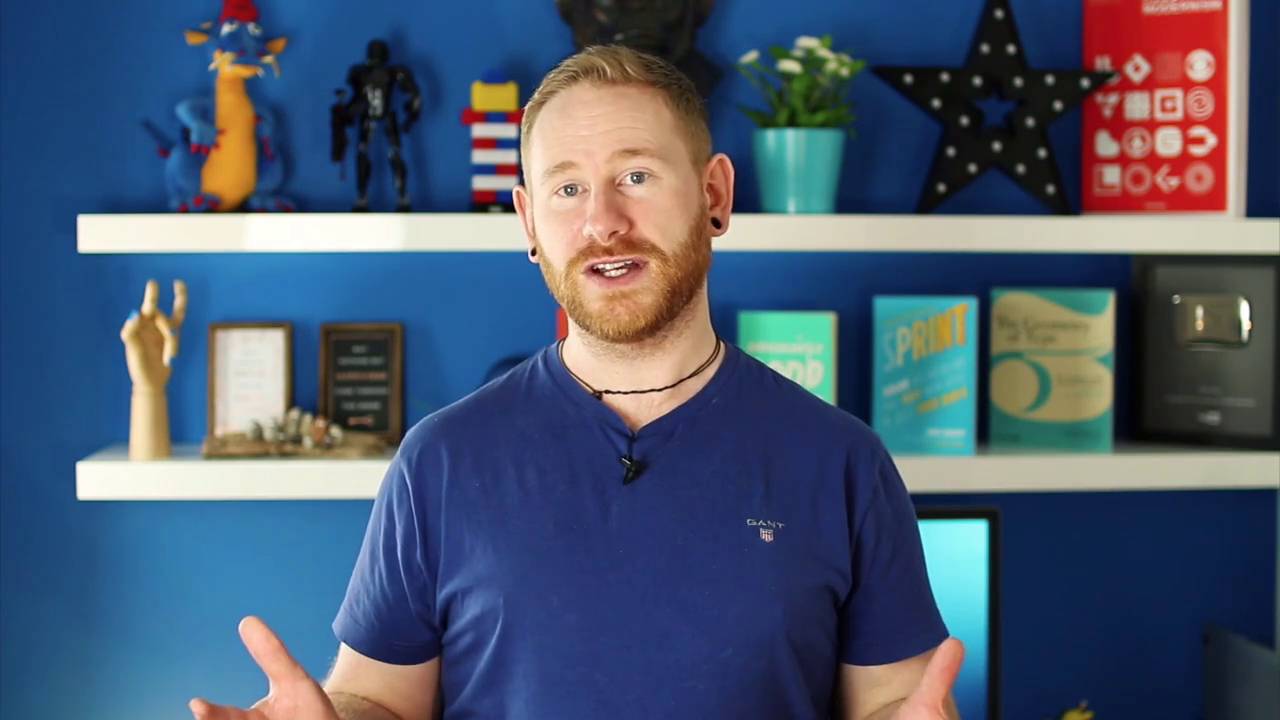

In this course, we’re going to cover 15 time-saving shortcuts and tips to help improve your workflow in Adobe XD. We’ll look at things such as floating shadows, text tricks, controlling pixels, layout grids, background blur, and much more. This course was recorded live, so there’s also a Q&A video where members of the community had their questions answered whilst the livestream took place. Let’s get started!
Learn Adobe XD
We've built a comprehensive guide to help you learn Adobe XD, whether you're just getting started with UX design or you want to explore prototyping and collaboration.
1.Introduction
1.1Welcome00:34
1.1
Welcome
00:34
2.Adobe XD Tips and Tricks
2.1Floating Shadows, Converting Text, and Combining Shapes20:50
2.1
Floating Shadows, Converting Text, and Combining Shapes
20:50
2.2Half Pixels, Adjusting Individual Corners, and Layout Grids12:41
2.2
Half Pixels, Adjusting Individual Corners, and Layout Grids
12:41
2.3Aligning to Pixel Grid, Selecting Grouped Objects, and Masking Images07:37
2.3
Aligning to Pixel Grid, Selecting Grouped Objects, and Masking Images
07:37
2.4Scaling Content, Background Blur, and Point vs. Container Type08:19
2.4
Scaling Content, Background Blur, and Point vs. Container Type
08:19
2.5Repeat Grid Tool, Publishing Design Specs, and Downloading UI Kits09:49
2.5
Repeat Grid Tool, Publishing Design Specs, and Downloading UI Kits
09:49
2.6Q&A14:28
2.6
Q&A
14:28
3.Conclusion
3.1Thanks for Watching!00:17
3.1
Thanks for Watching!
00:17





