
 Lessons: 8Length: 1.2 hours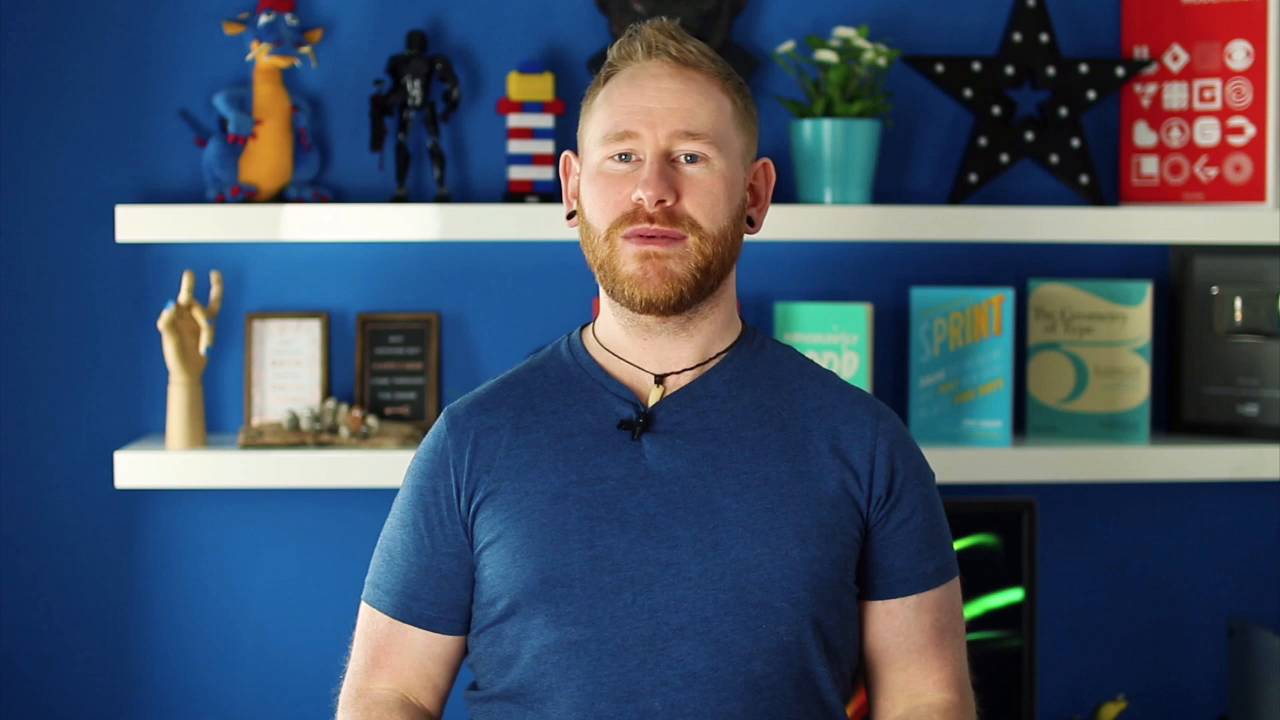

- Overview
- Transcript
3.1 Thanks for Watching!
Thanks for watching this course! With these 15 tips, plus the various topics we discussed in the Q&A section, your Adobe XD skillset should have grown substantially! I look forward to seeing you in the next one!
1.Introduction
1.1Welcome00:34
1.1
Welcome
00:34
2.Adobe XD Tips and Tricks
2.1Floating Shadows, Converting Text, and Combining Shapes20:50
2.1
Floating Shadows, Converting Text, and Combining Shapes
20:50
2.2Half Pixels, Adjusting Individual Corners, and Layout Grids12:41
2.2
Half Pixels, Adjusting Individual Corners, and Layout Grids
12:41
2.3Aligning to Pixel Grid, Selecting Grouped Objects, and Masking Images07:37
2.3
Aligning to Pixel Grid, Selecting Grouped Objects, and Masking Images
07:37
2.4Scaling Content, Background Blur, and Point vs. Container Type08:19
2.4
Scaling Content, Background Blur, and Point vs. Container Type
08:19
2.5Repeat Grid Tool, Publishing Design Specs, and Downloading UI Kits09:49
2.5
Repeat Grid Tool, Publishing Design Specs, and Downloading UI Kits
09:49
2.6Q&A14:28
2.6
Q&A
14:28
3.Conclusion
3.1Thanks for Watching!00:17
3.1
Thanks for Watching!
00:17
3.1 Thanks for Watching!
And there we go, those are 15 time-saving shortcuts and tips that you can use in Adobe XD in your next project, whether it's wireframing, prototyping, and designing. So, as always, my name is Daniel White, aka Dansky. Thank you very much for taking the course, and I'll see you in the next one.





