
 Lessons: 11Length: 1 hour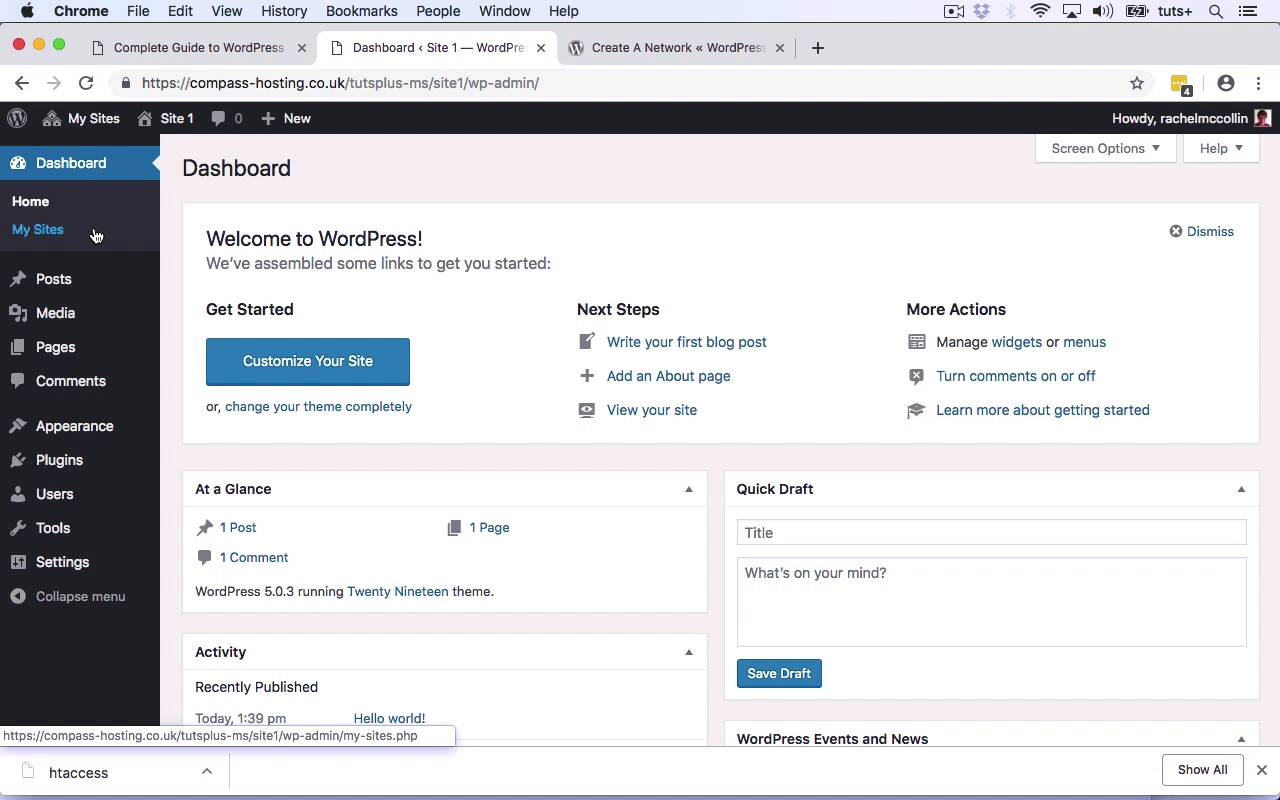
- Overview
- Transcript
3.1 Adding Extra Sites
In this lesson, you'll learn how to add a site as an administrator and how to enable site creation for users.
Related Links
1.Introduction
1.1Introduction01:02
1.1
Introduction
01:02
2.Getting Started With Multisite
2.1Activating Multisite07:42
2.1
Activating Multisite
07:42
2.2Tour of Multisite09:12
2.2
Tour of Multisite
09:12
3.Adding Sites to Your Network
3.1Adding Extra Sites04:48
3.1
Adding Extra Sites
04:48
3.2Editing and Managing Sites04:49
3.2
Editing and Managing Sites
04:49
4.Working With Users
4.1Adding New Users04:26
4.1
Adding New Users
04:26
4.2Users and the Database04:51
4.2
Users and the Database
04:51
5.Managing Your Network
5.1Security and Permissions08:49
5.1
Security and Permissions
08:49
5.2Configuring Your Network07:20
5.2
Configuring Your Network
07:20
5.3Managing Plugins, Themes, and Updates06:56
5.3
Managing Plugins, Themes, and Updates
06:56
6.Conclusion
6.1Conclusion03:03
6.1
Conclusion
03:03





