
 Lessons: 11Length: 1 hour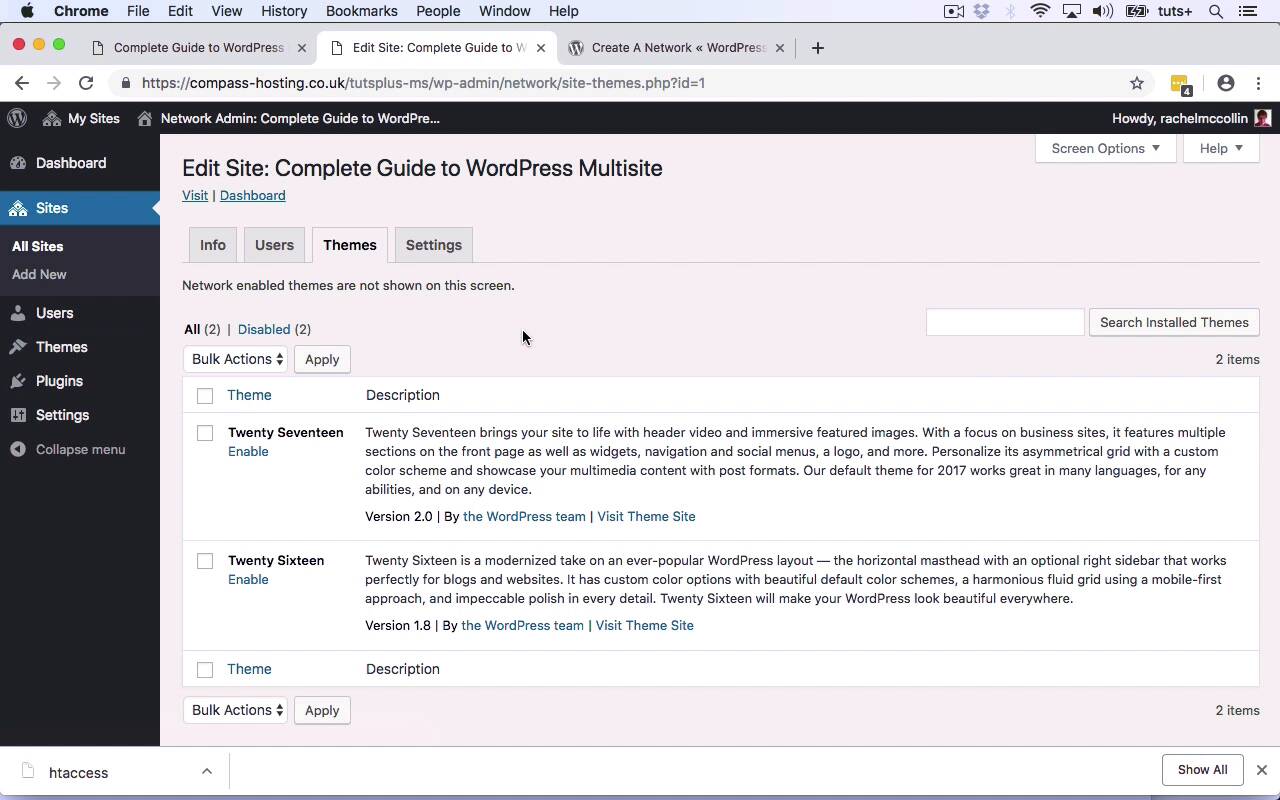

- Overview
- Transcript
2.2 Tour of Multisite
In this lesson, I'll give you an overview of the admin screens and database structure for WordPress Multisite. I'll also show you how they differ from a standalone WordPress installation.
Related Links
1.Introduction
1.1Introduction01:02
1.1
Introduction
01:02
2.Getting Started With Multisite
2.1Activating Multisite07:42
2.1
Activating Multisite
07:42
2.2Tour of Multisite09:12
2.2
Tour of Multisite
09:12
3.Adding Sites to Your Network
3.1Adding Extra Sites04:48
3.1
Adding Extra Sites
04:48
3.2Editing and Managing Sites04:49
3.2
Editing and Managing Sites
04:49
4.Working With Users
4.1Adding New Users04:26
4.1
Adding New Users
04:26
4.2Users and the Database04:51
4.2
Users and the Database
04:51
5.Managing Your Network
5.1Security and Permissions08:49
5.1
Security and Permissions
08:49
5.2Configuring Your Network07:20
5.2
Configuring Your Network
07:20
5.3Managing Plugins, Themes, and Updates06:56
5.3
Managing Plugins, Themes, and Updates
06:56
6.Conclusion
6.1Conclusion03:03
6.1
Conclusion
03:03





