

- Overview
- Transcript
2.4 Creating a Plugin With a UI and Browser APIs
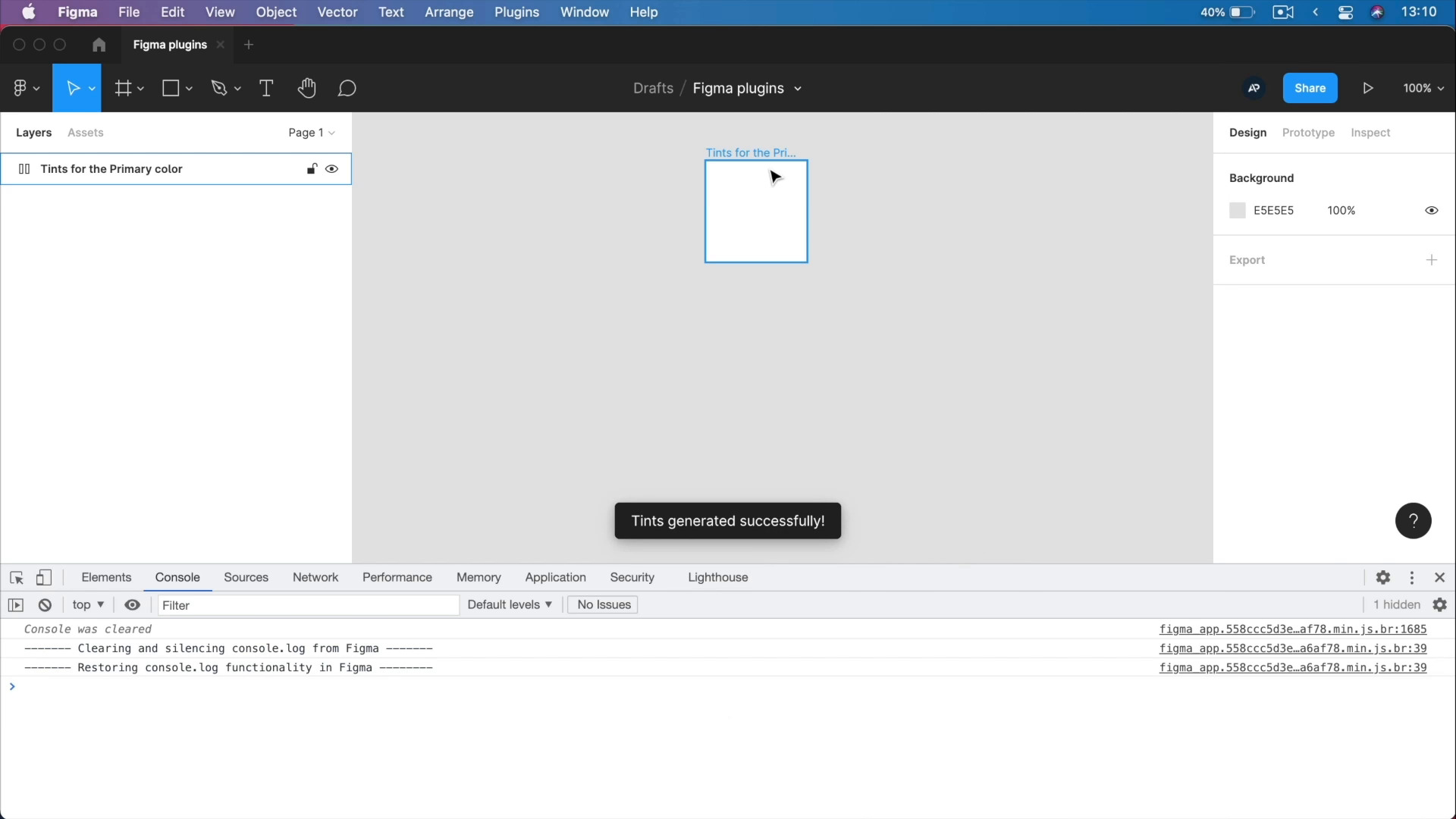
In this final lesson, we’ll create a Figma plugin with a user interface that will generate a set number of tints based on a color of our choosing. It will display those tints in a frame that we’ll also generate.
This is a bit more difficult to make, and it’s going to have quite a bit of JavaScript, but I’ll explain everything we’re doing so it should be easy peasy. Let’s begin!
1.Introduction
1.1Welcome to the Course03:11
1.1
Welcome to the Course
03:11
2.A Quick Guide to Creating Figma Plugins
2.1What Figma Plugins Can and Cannot Do02:55
2.1
What Figma Plugins Can and Cannot Do
02:55
2.2Creating a Basic Plugin17:44
2.2
Creating a Basic Plugin
17:44
2.3Getting Started With More Complex Plugins09:15
2.3
Getting Started With More Complex Plugins
09:15
2.4Creating a Plugin With a UI and Browser APIs39:15
2.4
Creating a Plugin With a UI and Browser APIs
39:15





