


- Overview
- Transcript
2.3 Getting Started With More Complex Plugins
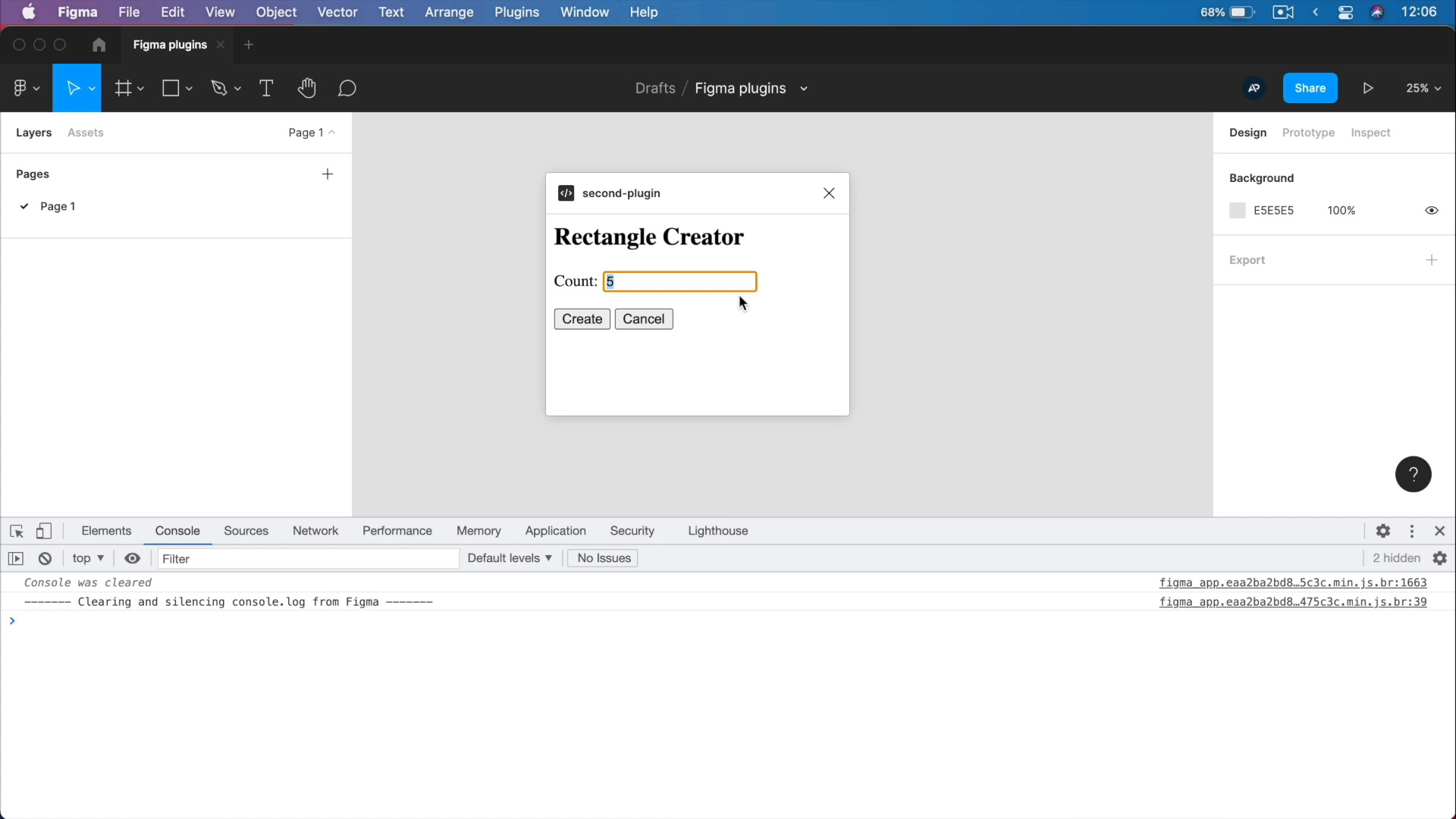
In this lesson, we’ll begin exploring some more complex plugins and setting up a better work environment so that creating such plugins will be easier. We’ll also take a closer look at a demo plugin that has a user interface. Let’s begin.
1.Introduction
1.1Welcome to the Course03:11
1.1
Welcome to the Course
03:11
2.A Quick Guide to Creating Figma Plugins
2.1What Figma Plugins Can and Cannot Do02:55
2.1
What Figma Plugins Can and Cannot Do
02:55
2.2Creating a Basic Plugin17:44
2.2
Creating a Basic Plugin
17:44
2.3Getting Started With More Complex Plugins09:15
2.3
Getting Started With More Complex Plugins
09:15
2.4Creating a Plugin With a UI and Browser APIs39:15
2.4
Creating a Plugin With a UI and Browser APIs
39:15





