


- Overview
- Transcript
2.1 Setting Up Your Files
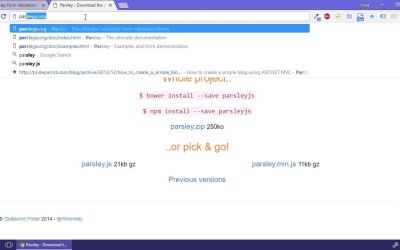
In this lesson, Craig will show you how to prepare your files to make use of the Parsley JavaScript library. This will require both jQuery and the Parsley JavaScript file.
1.Introduction
1.1Introduction00:44
1.1
Introduction
00:44
1.2What Is Parsley?02:31
1.2
What Is Parsley?
02:31
2.Introducing Parsley
2.1Setting Up Your Files03:00
2.1
Setting Up Your Files
03:00
2.2Two Ways to Activate Parsley05:40
2.2
Two Ways to Activate Parsley
05:40
2.3Required Inputs05:07
2.3
Required Inputs
05:07
2.4Namespaces03:10
2.4
Namespaces
03:10
2.5More Required Fields06:27
2.5
More Required Fields
06:27
2.6Email and URL Validation05:03
2.6
Email and URL Validation
05:03
2.7String Validations06:00
2.7
String Validations
06:00
2.8Numeric Validations07:41
2.8
Numeric Validations
07:41
2.9Checkbox Validations04:26
2.9
Checkbox Validations
04:26
2.10Comparing Values02:13
2.10
Comparing Values
02:13
3.Conclusion
3.1Final Thoughts00:41
3.1
Final Thoughts
00:41





