
 Lessons: 6Length: 36 minutes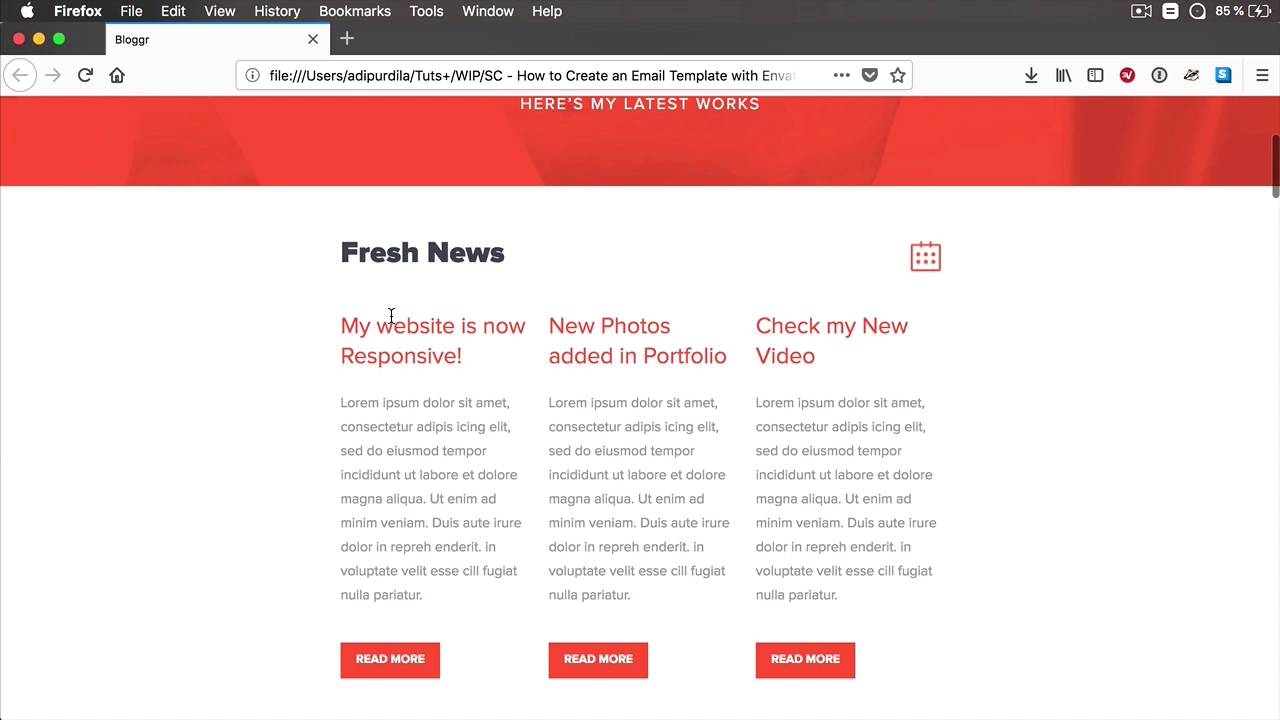
- Overview
- Transcript
2.2 Customize the Template Using a Code Editor
Now that we have our email template, we need to customize it. There are two ways we can do that: with a code editor, or with the freely available Template Builder provided by the template author. In this lesson, we’re going to do a bit of customization using a normal code editor.
1.Introduction
1.1Welcome to the Course01:07
1.1
Welcome to the Course
01:07
2.Let’s Create an Email Template
2.1Download the Template From Envato Elements04:47
2.1
Download the Template From Envato Elements
04:47
2.2Customize the Template Using a Code Editor08:59
2.2
Customize the Template Using a Code Editor
08:59
2.3Customize the Template Using the Online Template Builder12:30
2.3
Customize the Template Using the Online Template Builder
12:30
2.4Test the Email in MailChimp03:28
2.4
Test the Email in MailChimp
03:28
2.5Test the Email in Campaign Monitor04:49
2.5
Test the Email in Campaign Monitor
04:49





