
 Lessons: 6Length: 36 minutes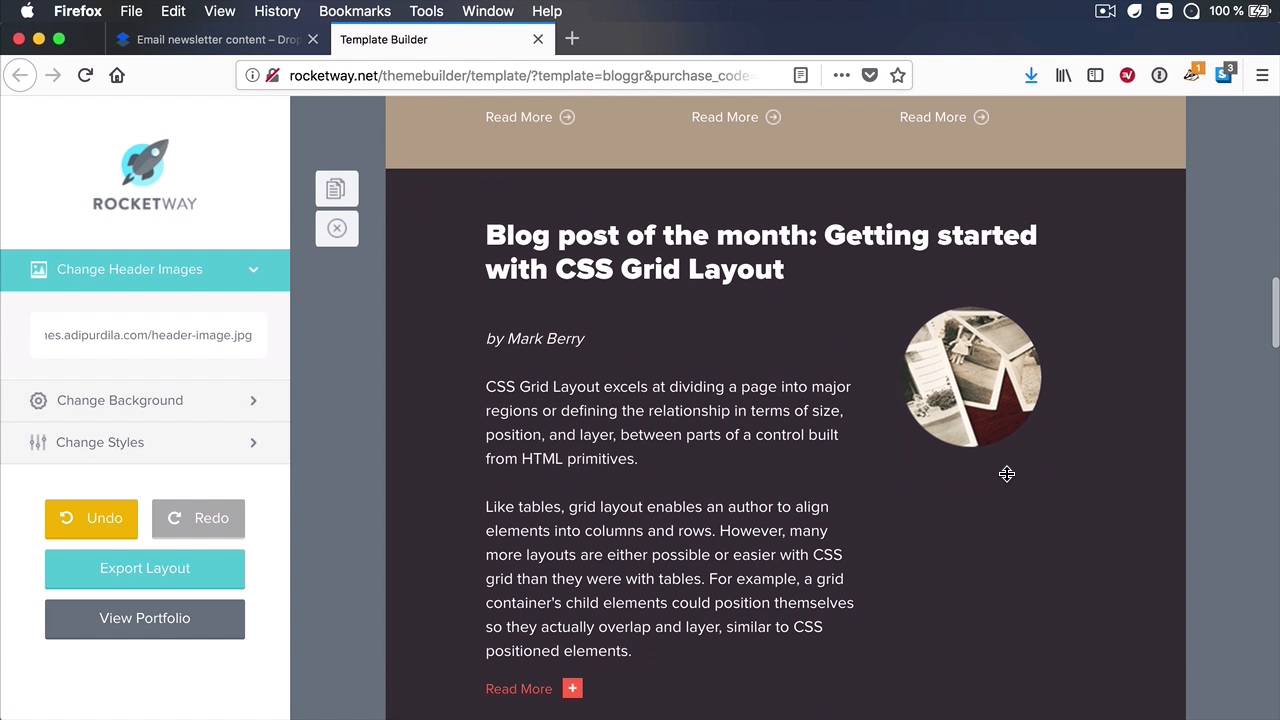
- Overview
- Transcript
2.3 Customize the Template Using the Online Template Builder
In the previous lesson I showed you how to customize the email template using a code editor. This particular template can also be customized using an online Template Builder. This is not always the case; most of the time you’ll need to use a code editor, but a lot of the email templates from Envato Elements do offer some kind of template builder you can use to complete this task much faster.
Let’s check it out.
Related Links
1.Introduction
1.1Welcome to the Course01:07
1.1
Welcome to the Course
01:07
2.Let’s Create an Email Template
2.1Download the Template From Envato Elements04:47
2.1
Download the Template From Envato Elements
04:47
2.2Customize the Template Using a Code Editor08:59
2.2
Customize the Template Using a Code Editor
08:59
2.3Customize the Template Using the Online Template Builder12:30
2.3
Customize the Template Using the Online Template Builder
12:30
2.4Test the Email in MailChimp03:28
2.4
Test the Email in MailChimp
03:28
2.5Test the Email in Campaign Monitor04:49
2.5
Test the Email in Campaign Monitor
04:49





