Web accessibility (often referred to by its abbreviated “a11y” form) is something many internet users don’t think about, yet it affects almost all of us in some way. Accessibility is about you, your friends, colleagues, and family members. It’s about having empathy for other internet users. It’s about all of us being able to use the internet in the easiest way possible, without hinderance or confusion.
With accessibility impacting so many people and involving such a broad field of subjects there’s a lot to learn! Fortunately, we have a large collection of tutorials, articles, courses, and quick tips, to take you through everything you need to know.
1. Begin at the Beginning
If you’re a complete stranger to the world of accessibility, these resources will get you started and help you understand why this is worth investing some energy into.


2. Testing for Common Accessibility Issues
Proper understanding of accessibility issues comes from being able to experience them, and this is often only possible through using tools to emulate those issues. These tutorials will show you which common problems you can test for, which tools to use, and some easy solutions.
 Accessibility Basics: Designing for Visual Impairment
 How to Use the Contrast Checker in Chrome DevTools
 How We Test for Accessibility at Envato (Tools and Tips)
 Keyboard Accessibility Tips Using HTML and CSS

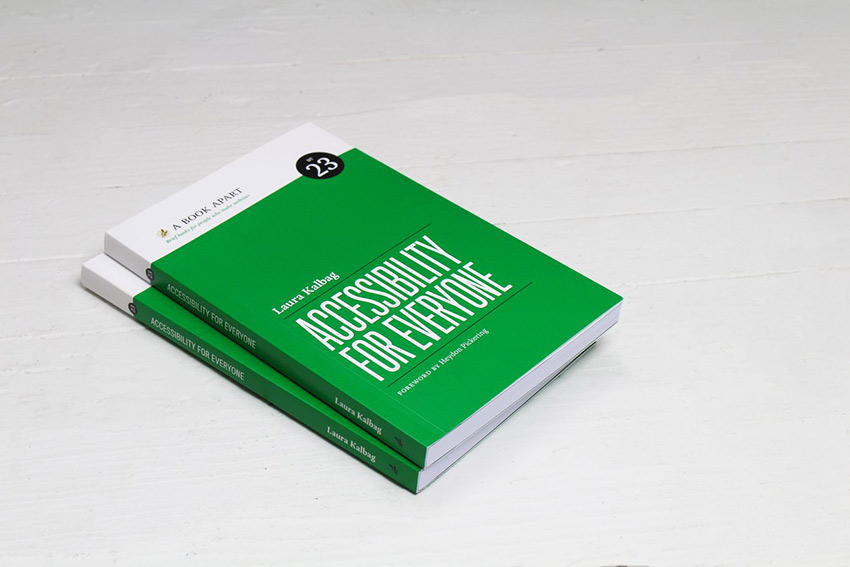
3. Accessibility for Everyone (eBook)
Let Laura Kalbag guide you through the accessibility landscape in this ebook available as part of your Envato Elements subscription: understand disability and impairment challenges; get a handle on important laws and guidelines; and learn how to plan for, evaluate, and test accessible design.
4. Accessible HTML
Many accessibility improvements can be made behind the scenes, in the HTML. Assistive technologies (such as screenreaders) often rely on the markup rather than what’s visually output to the browser, so it’s really important that your websites make sense from a markup point of view.
Building web pages with properly semantic markup is often all that’s needed, but additional improvements can be made with proper use of some HTML attributes.
 Semantic HTML: How to Structure Web Pages
 How to Make Custom Accessible Checkboxes and Radio Buttons
 The Importance of Heading Levels for Assistive Technology
 Quick Tip: Use the “lang” Attribute for Better Accessibility
 Accessible SVG: Methods for Adding Alternative Content
ARIA Landmark Roles
ARIA Landmark roles, additional layers of descriptive attributes, take semantics a step further in helping assistive technology users navigate web pages. This course will get you started:

Kyle Spencer’s hands-on series will take you deeper into the world of ARIA.
.png) Site Accessibility: Getting Started With ARIA
Site Accessibility: Getting Started With ARIA
 Hands-on With ARIA: Homepage Elements and Standard Navigation
.png) Hands-on With ARIA: Accessibility for eCommerce
Hands-on With ARIA: Accessibility for eCommerce Hands-on With ARIA: Accessibility Recipes for Web Apps
5. UX
Accessibility is fundamentally about user experience. If your website isn’t accessible in some way, it’s fallen at the first UX hurdle for some users.
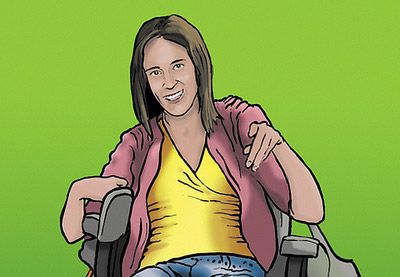
Making the Web Accessible for Everyone With Inclusive Design and Diverse Personas

A Guide to Creating Accessible Animations
6. For Theme Developers
Accessibility is something which theme developers should be especially conscious of. Someone who buys a theme might not have the awareness or knowhow to make sure the website they build is accessible, so it’s important that the groundwork is laid for them.
Search for Accessible WordPress on Themeforest for themes which are built with accessibility issues in mind.

7. Going Beyond Websites
Accessibility affects more areas of the internet than just websites. These tutorials will show you where else you should focus your efforts.