
 Lessons: 13Length: 2.1 hours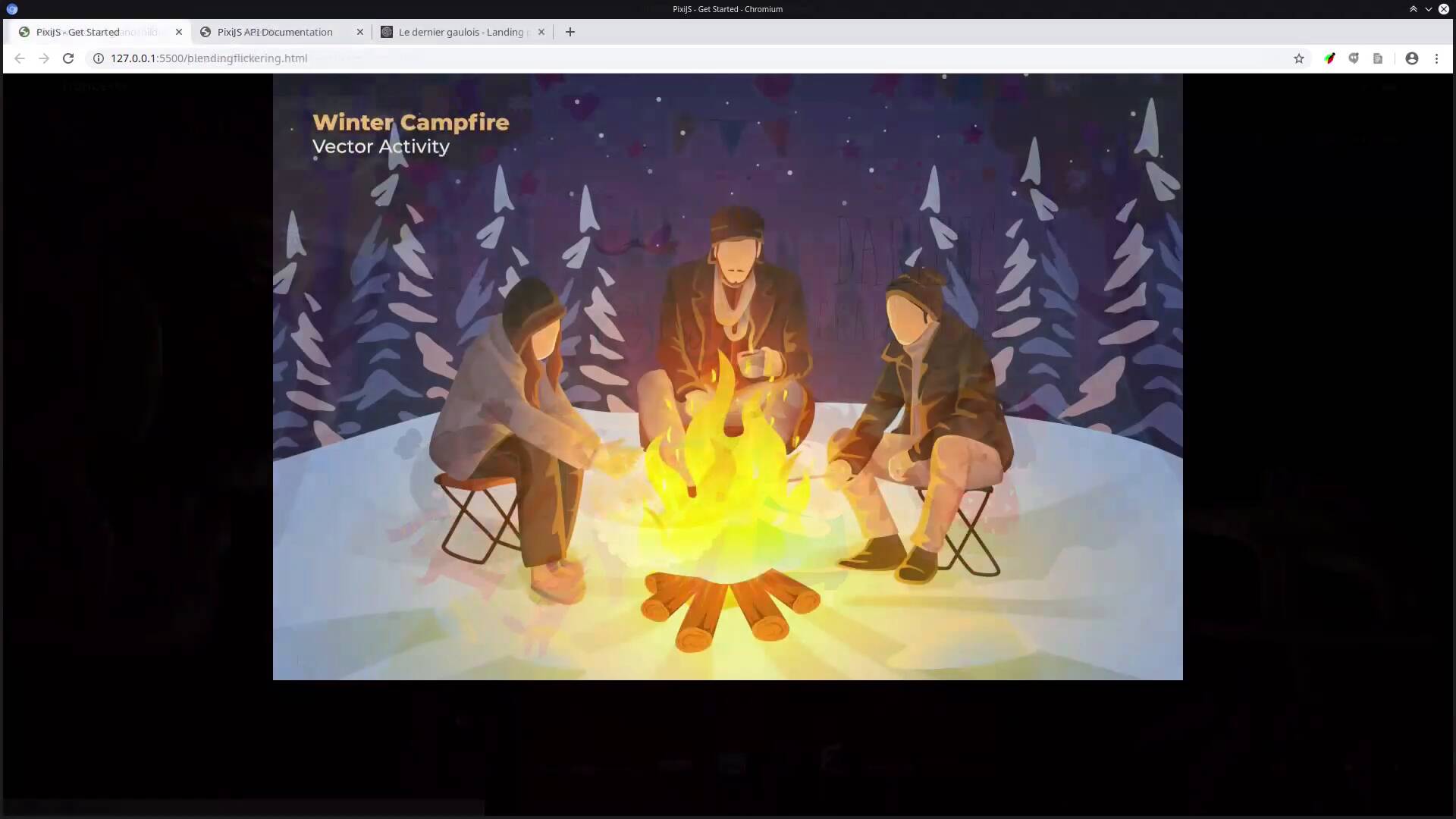
- Overview
- Transcript
3.1 Wrapping Up
This course has given you the required fundamentals to break the ice on working with PixiJS, setting you up with some visual effects you can use right away and laying the groundwork for you to do more in-depth and advanced effects in the future.
Let’s have a quick recap of what we’ve learned and talk about what you might like to do next.
1.Introduction
1.1Welcome to the Course00:37
1.1
Welcome to the Course
00:37
1.2The “Why” and “How” of PixiJS07:16
1.2
The “Why” and “How” of PixiJS
07:16
2.Up and Running With PixiJS
2.1A Basic PixiJS Application13:32
2.1
A Basic PixiJS Application
13:32
2.2Animated God Ray Image10:36
2.2
Animated God Ray Image
10:36
2.3Colored Spotlight Mask14:03
2.3
Colored Spotlight Mask
14:03
2.4Custom Cursor06:15
2.4
Custom Cursor
06:15
2.5Text Style11:33
2.5
Text Style
11:33
2.6Containers and Displacement11:26
2.6
Containers and Displacement
11:26
2.7Using Video07:20
2.7
Using Video
07:20
2.8Parallax Movement20:44
2.8
Parallax Movement
20:44
2.9Gradients and Canvas2D API11:16
2.9
Gradients and Canvas2D API
11:16
2.10Blend Modes and Flicker Effect10:43
2.10
Blend Modes and Flicker Effect
10:43
3.Conclusion
3.1Wrapping Up03:18
3.1
Wrapping Up
03:18





