- Overview
- Transcript
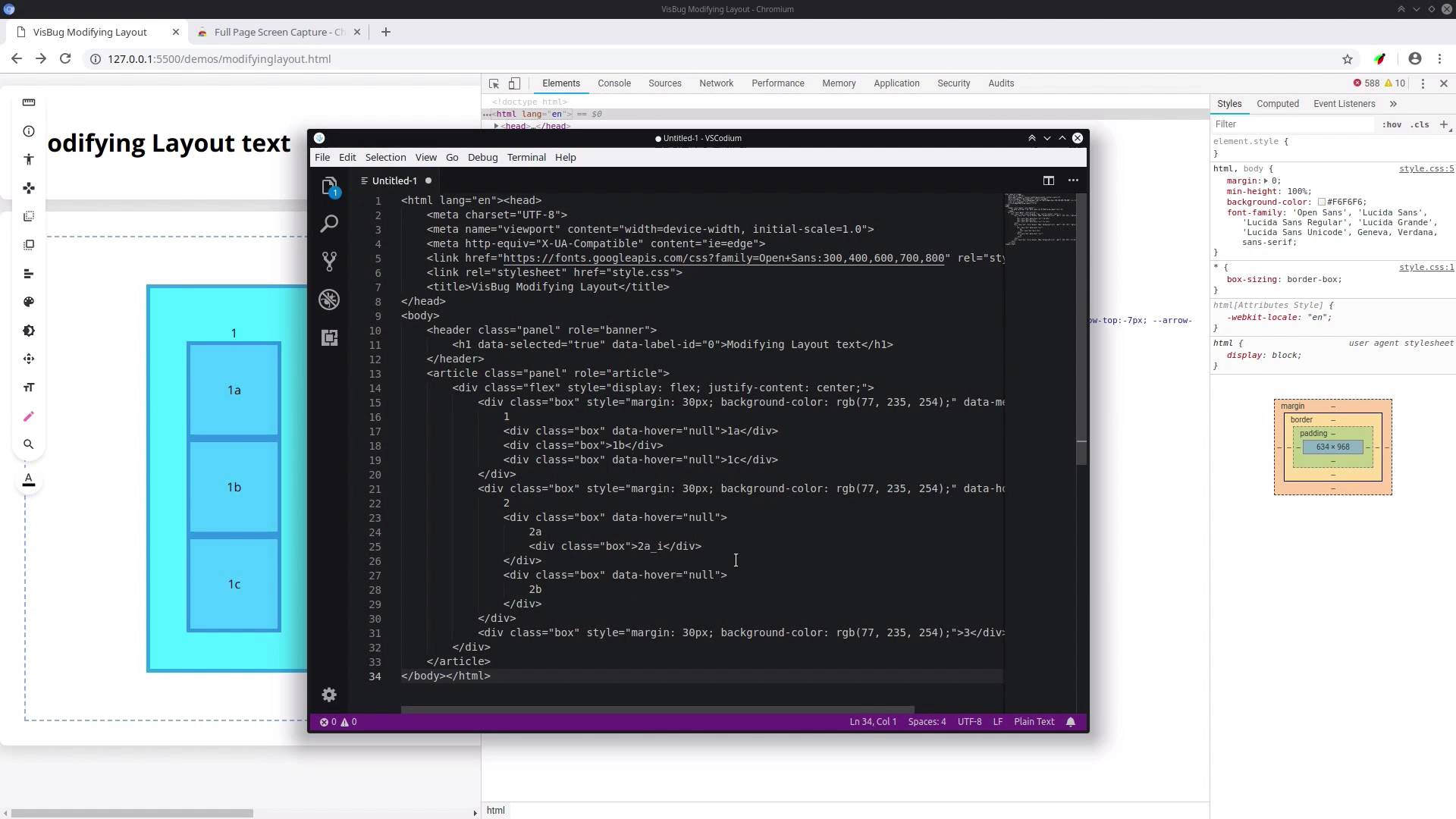
2.6 After Making Changes With VisBug
VisBug’s changes are, at the moment, not permanent. However, that doesn’t mean all your modifications need to be lost when you’re done. In the last lesson of this course, we’ll look at four different ways to handle working with the changes you make using VisBug.
1.Introduction2 lessons, 04:36
2 lessons, 04:36
1.1Welcome to the Course00:39
1.1
Welcome to the Course
00:39
1.2VisBug Overview03:57
1.2
VisBug Overview
03:57
2.How to Use VisBug6 lessons, 41:24
6 lessons, 41:24
2.1Inspecting and Selecting09:30
2.1
Inspecting and Selecting
09:30
2.2Modifying Color07:35
2.2
Modifying Color
07:35
2.3Modifying Type03:46
2.3
Modifying Type
03:46
2.4Modifying the Layout08:40
2.4
Modifying the Layout
08:40
2.5Modifying Images03:21
2.5
Modifying Images
03:21
2.6After Making Changes With VisBug08:32
2.6
After Making Changes With VisBug
08:32
3.Conclusion1 lesson, 01:58
1 lesson, 01:58
3.1Wrapping Up01:58
3.1
Wrapping Up
01:58
Hi there. I'm a designer & coder who works in the areas of web design / development, game development and digital art.
In the web space I'm a front end all rounder but I have a particular specialization in theme creation, no matter the platform. I also love finding the latest most efficient, user focused design and dev techniques of the day.
In game development I'm addicted to playing with every different engine, toolset and framework I can find. In digital art I love everything from painting to vector work to pixel art to 3D modelling.
In short, if it's creative and you can make it digitally, I love it.



