
 Lessons: 7Length: 30 minutes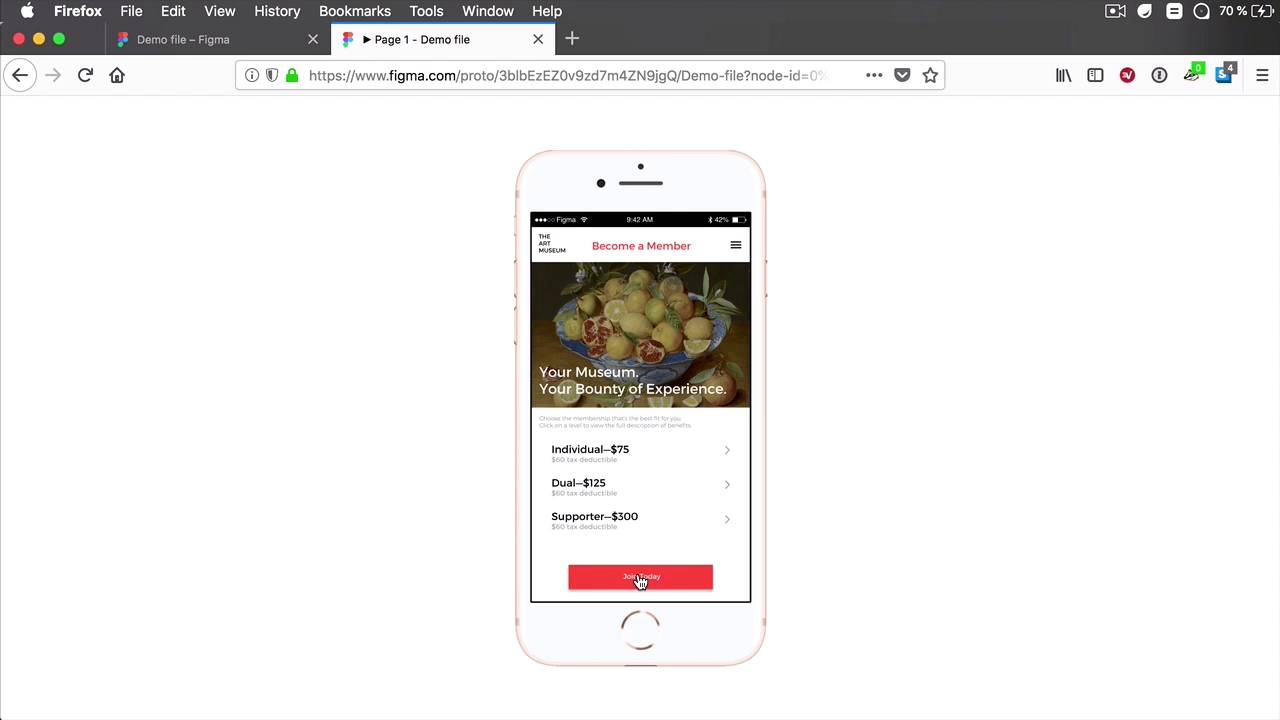
- Overview
- Transcript
2.2 URLs to External Websites
When prototyping, adding links to external websites will add to the realism of the interaction, so Figma has a handy little feature that allows us to do exactly that. Let’s check it out.
2.2 URLs to External Websites
When prototyping, adding the links into external websites will simply add to the realism of that experience. And fortunately, Figma has a feature that allows us to do exactly that. So let's check it out. Let's say that on this last membership frame, when we click the Join Today button, we wanna be taken to a website. Let's say, Envato.com, right? So what I can do is I can select the button, and under Destination, I have a drop down, and I have a couple of options here. One, I can choose from the other frames that are in my document. And you can do this instead of manually clicking on that circle and dragging an arrow to that frame. Or I can select Link to URL, and this will link to an external URL. Let's say www.envato.com. That should be enough. So now when we go to present, and we go all the way to the last frame, we click the Join Today button, And it's gonna open up Envato.com. It's a redirect basically and it opens up that external website. So again, simply select your elements, and you need to work with the Destination panel. Select Link to URL, put in your link, and you're all set. And that's quite a handy feature, even if you won't use it all the time. It's always good to have it there just in case. And it certainly adds to the whole realism of the experience of prototyping. And remember, this is basically just a design, right? It's a static product, but with prototyping, you can almost make it feel like it's a live coded project. You can jump in between different pages. You can add links to external websites, just like you saw here, so it really makes for a great experience. Now another recent edition to Figma Prototyping is the ability to create hotspots to the previous frames. I'll quickly show you how to do that in the next lesson.





