
 Lessons: 20Length: 2.3 hours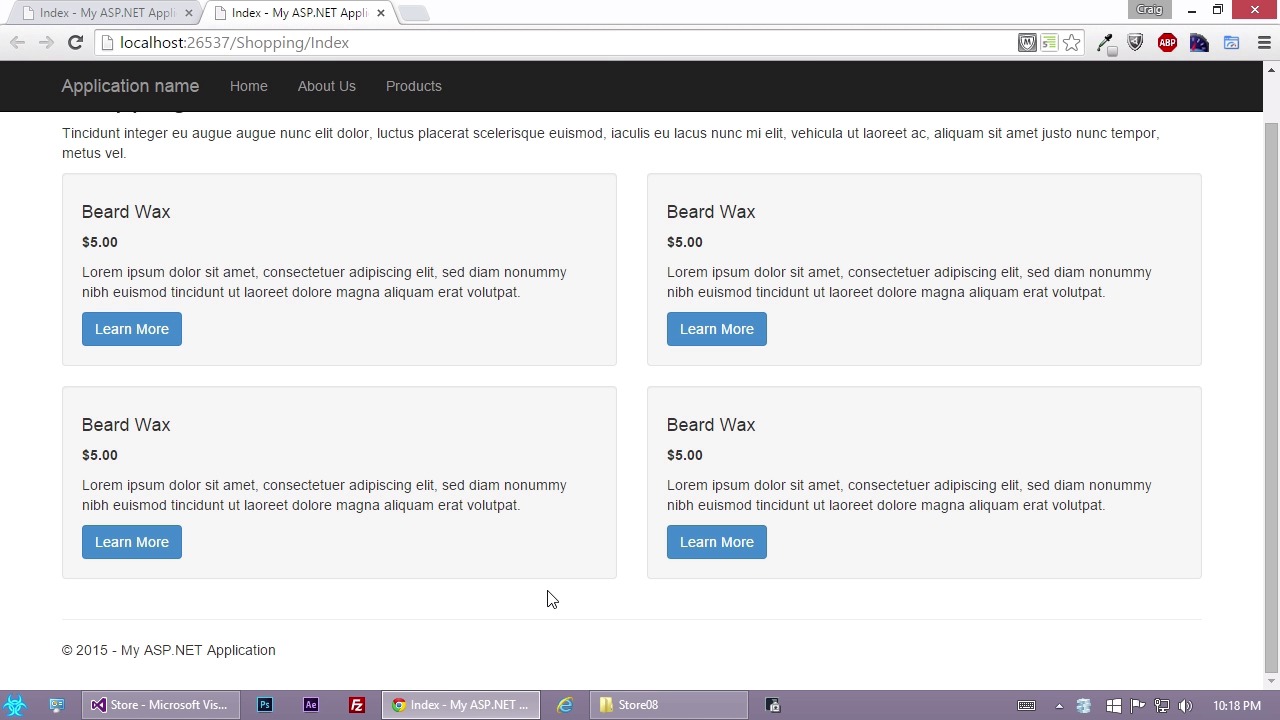
- Overview
- Transcript
3.10 Displaying the Data
Our products are set up, and now it’s time to display our items. In this lesson, you will loop through the dummy data and display it in your view in order to simulate what your developers might be coding once they take over the project.
1.Introduction
1.1Introduction02:19
1.1
Introduction
02:19
2.MVC Basics
2.1Introduction to ASP.NET and MVC03:48
2.1
Introduction to ASP.NET and MVC
03:48
2.2Views06:00
2.2
Views
06:00
2.3Models02:17
2.3
Models
02:17
2.4Controllers03:08
2.4
Controllers
03:08
3.Designing Within MVC
3.1The Visual Studio Environment05:10
3.1
The Visual Studio Environment
05:10
3.2Creating an MVC Project03:40
3.2
Creating an MVC Project
03:40
3.3Basic Pages06:47
3.3
Basic Pages
06:47
3.4Viewing Your Work04:14
3.4
Viewing Your Work
04:14
3.5Using Bootstrap08:44
3.5
Using Bootstrap
08:44
3.6Linking Views08:03
3.6
Linking Views
08:03
3.7Using Layouts05:53
3.7
Using Layouts
05:53
3.8Preparing for Dynamic Data09:14
3.8
Preparing for Dynamic Data
09:14
3.9Creating Dummy Data09:04
3.9
Creating Dummy Data
09:04
3.10Displaying the Data10:15
3.10
Displaying the Data
10:15
3.11MVC ViewModels16:03
3.11
MVC ViewModels
16:03
3.12Setting Up the Product Detail Page11:04
3.12
Setting Up the Product Detail Page
11:04
3.13Pulling in Data for the Product Detail Page09:41
3.13
Pulling in Data for the Product Detail Page
09:41
3.14Wrapping Up the Product Detail Page11:06
3.14
Wrapping Up the Product Detail Page
11:06
4.Conclusion
4.1Conclusion01:11
4.1
Conclusion
01:11


