
 Lessons: 5Length: 41 minutes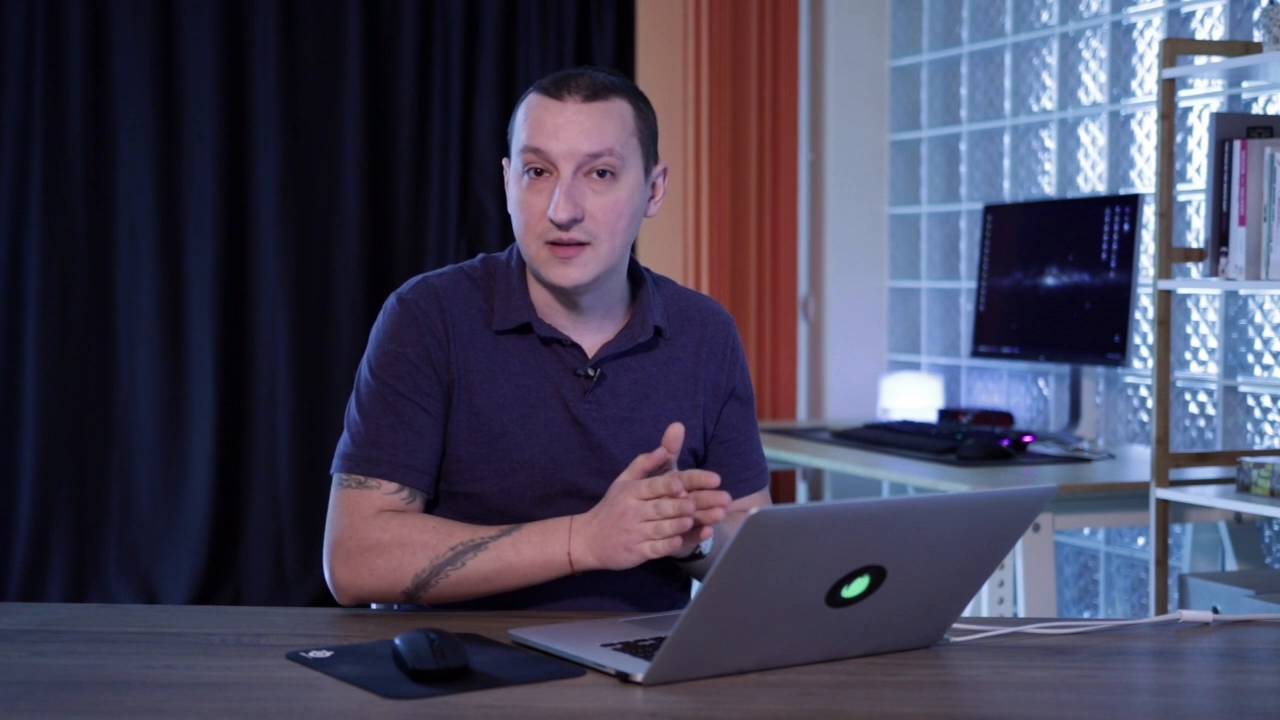
- Overview
- Transcript
1.1 Welcome to the Course
Hello and welcome to this Envato Tuts+ course. I’m Adi Purdila, and in this course you’ll learn how to use the latest version of Studio. Version 2.0 brings a more refined UI and some cool new features, and in this introductory video I’ll give you an idea of the things we’ll be focusing on during the course.
Related Links
1.1 Welcome to the Course
Hello and welcome to an Envato Tuts+ course. I'm Adi Purdila, and in this, course you'll learn how to use the latest version of Studio. If you don't know, Studio is a web design tool for creating responsive websites from scratch without writing a single line of code. It was recently updated to version 2, which brings a more refined UI and some cool new features. Now, here's what we'll cover in this course. First, we'll take a quick look at what you can do with Studio, why it's different from its competitors, and how much it costs. Then we'll see what's new in version 2. In lesson three, we'll explore the user interface, and find out what all the bits and bobs are for. And finally, we'll build and publish a very simple web page. So without further ado, let's jump straight into lesson number one, and take a closer look at Studio.





