
 Lessons: 12Length: 2.1 hours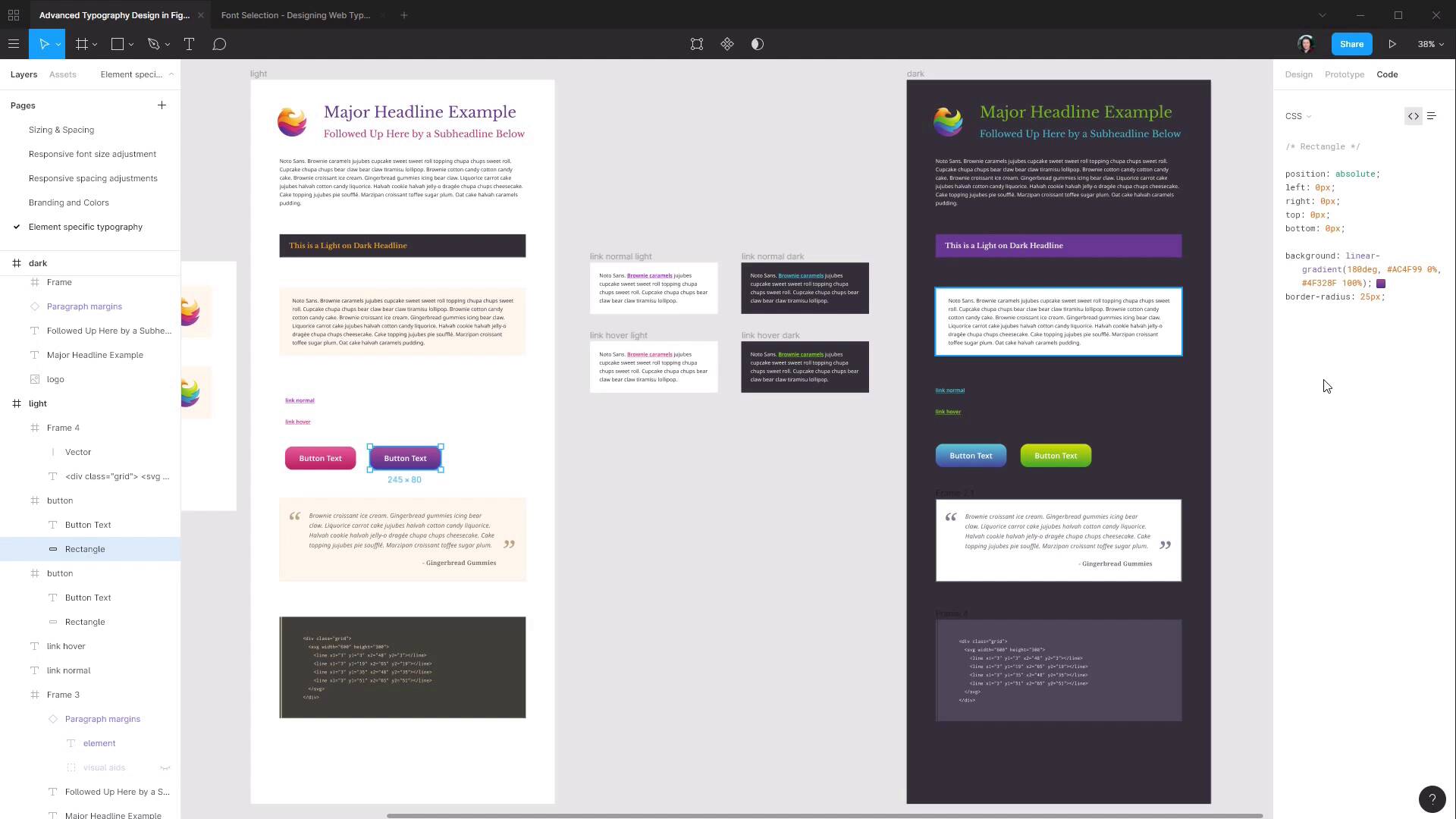
- Overview
- Transcript
5.1 Conclusion
We’ve reached the end! Let’s have a quick recap of what we’ve learned and talk about what you might like to do next.
1.Introduction
1.1Welcome to the Course00:37
2.Responsive Adjustments
2.1Adjusting Font Sizes21:17
2.2Adjusting Spacing11:33
3.Color & Accessibility
3.1Site and Branding Colors29:03
3.2Dark / Inverse Mode05:36
3.3Color Contrast06:43
3.4Color Blindness04:10
4.Element-Specific Typography
4.1Links15:15
4.2Buttons08:39
4.3Blockquotes12:47
4.4Preformatted Code08:08
5.Wrapping Up
5.1Conclusion03:33
5.1 Conclusion
Hey, so you've now completed Advanced Typography Design in Figma, and I just wanted to give you a quick recap on everything that you've learned. So through this course you got across the things that you need to be aware of during the design phase for responsive adjustments. You learned how to change up font sizes and the spacing around your typographic elements. You also learned about what you need to consider with color and accessibility. We went through how to extract colors from logos and then apply them in your typography, how to create a dark or inverse mode of your typography's color scheme. And we learned how to check on color contrast and to make sure that your typography remains readable for someone who has color blindness. And we finished up the course with some element specific typography design for links, buttons, block quotes, and pre-formatted code. So between these two courses we've gone through absolutely everything from start to finish that you need to be aware of during the design phase. And as for what you should do next, it probably differs a little bit depending on if you're predominantly a designer or you're a designer coder. If you're a coder then undoubtedly the next thing that you should do is go ahead and code up all of the designs that you've put together as part of this two course series. See for yourself how everything translates into the browser so you always have that practical application in mind during the design phase. A program like Figma does an excellent job of giving you a realistic impression of how your design's gonna look in the browser. But until you're actually in the browser, you're not seeing things exactly as they're gonna look when they're deployed live. So definitely get on to coding things up as your next phase. And, for that matter, in Figma you do have a little Code tab up here that will give you a bit of CSS that you can use to help you with things like carrying across color codes and gradients and what have you. It's not gonna give you all the code that you need, but parts of it are definitely going to be useful. If you are predominantly a designer, then the next thing that I would recommend doing is taking these techniques that you've just learned and blending them in with a complete site layout design. We focused just on the typographic elements here, but the next step is to have a whole layout mocked up. And then take all of these principles that we've covered and implement them into a layout that's gonna be more like your typical site design job. Even though I talked about the next job for someone who's a designer coder being to go ahead and code up everything that they've put together in this course. If that's not you, if that's not where your efforts are focused, I would still recommend seeing if you can find a partner who wants to go through this learning process with you. Ask them to code up this design and give you feedback on what happened for them during that implementation phase. So that you're also getting that real world practical application information and filtering it back in to how you put together your designs. It's very important, as someone handling the design phase, that you have a strong connection with how things are actually going to be implemented. So that you don't have any elements that you inadvertently design in a way that can't actually look in the browser the way they do in your mockup. All right, so that is everything that I wanted to cover. As I mentioned, I have put into this course absolutely everything that I've learned about typography over years and years of practice. And I really hope that some of this helps you with creating excellent typography in your work too. So as always, thank you so much for taking this course and I will see you in the next one.





