
 Lessons: 7Length: 36 minutes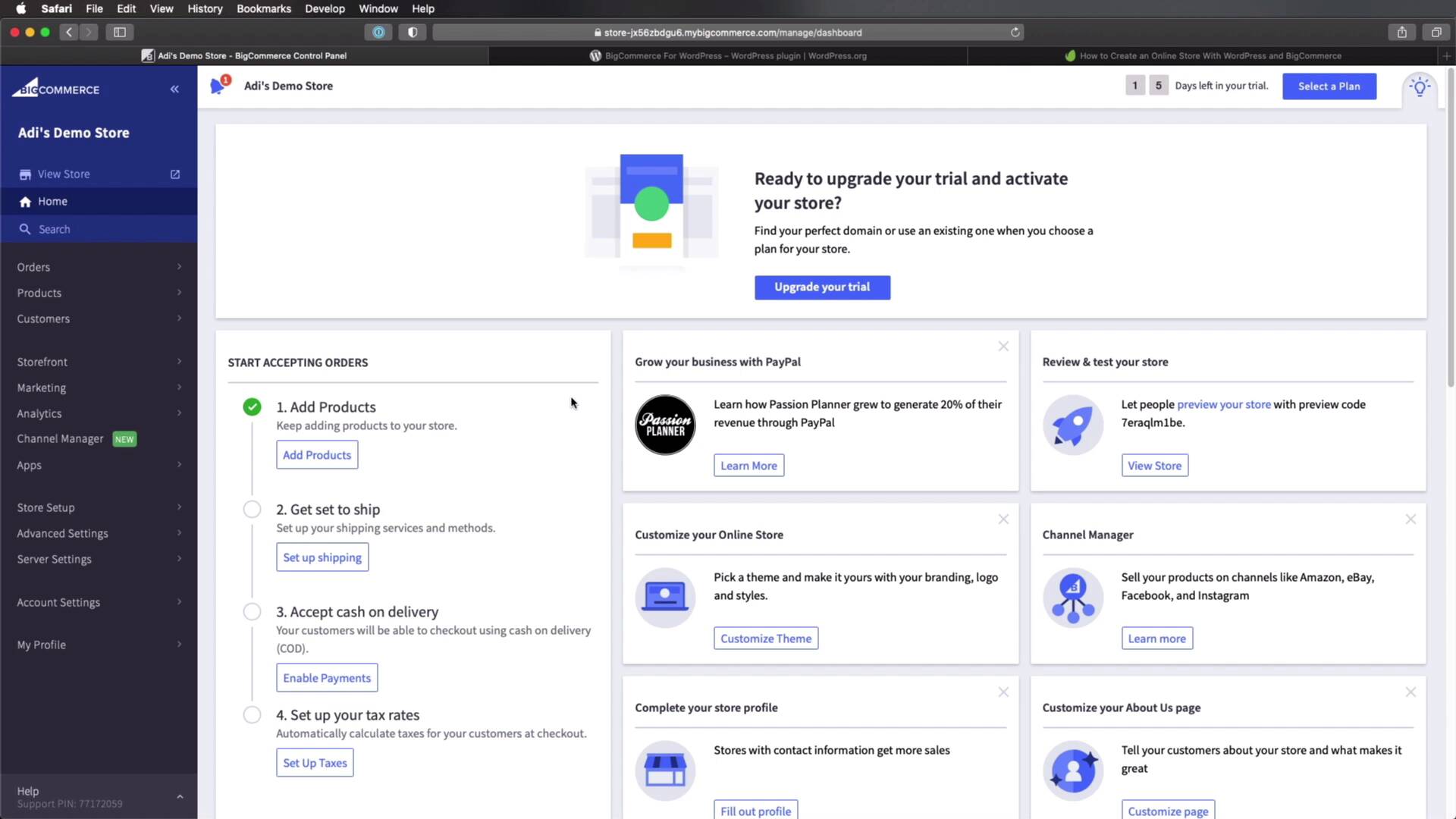
- Overview
- Transcript
2.6 Selling on Different Channels
In this final lesson, we’ll round things off by briefly exploring selling products on multiple channels with BigCommerce.
1.Introduction
1.1Welcome to the Course01:07
2.Getting Started With BigCommerce
2.1What Is BigCommerce?03:22
2.2Creating a BigCommerce Account06:22
2.3Adding Products to BigCommerce07:55
2.4Managing Products, Categories, and Brands05:43
2.5Adding and Customizing a New Storefront Theme08:34
2.6Selling on Different Channels02:37
2.6 Selling on Different Channels
Welcome back to the course. In this lesson, we'll briefly explore selling your products on multiple channels with BigCommerce. So let's begin. Now as I mentioned in a previous lesson, BigCommerce uses a headless approach. Which means we can sell products on multiple platforms using multiple storefronts. And one of those platforms can be a WordPress website. Now I'm saying WordPress because there is actually a plugin called BigCommerce for WordPress, and by installing this plugin, you can connect to your existing BigCommerce store and display products from that store to your WordPress website. And I actually did a tutorial last year called how to create an online store with WordPress and BigCommerce. So I highly suggest you check this out if you wanna learn how to do that. Now on top of this, you can also sell your products on other channels like Facebook, Instagram, Amazon, et cetera. To get started with that you would go to the back end of your BigCommerce store, click on channel manager, and here, you can add marketplaces, points of sales and marketing feeds. So if you were to click Add New here on the Marketplace, you would decide where you wanna sell these? Do you want to sell them on Amazon? That's cool. Click connect, and that's gonna connect to your Amazon account. Same goes for Facebook, eBay, and so on. Now I won't go into more detail about this. You can explore this aspect for yourself. Personally, I think it's a great feature to have in an e-commerce platform. And that's the end of this short course. Thank you very much for watching and I hope this his can guide you when creating a new store with with BigCommerce. If you want to learn more about this platform then you can go ahead and try it out for yourself. As you can see, there is a 15 day free trial that you can use to determine if this is a good fit for you or not. Well, that's it, thank you again for watching. I'm Ali Padilla and until next time, take care.





