
 Lessons: 9Length: 52 minutes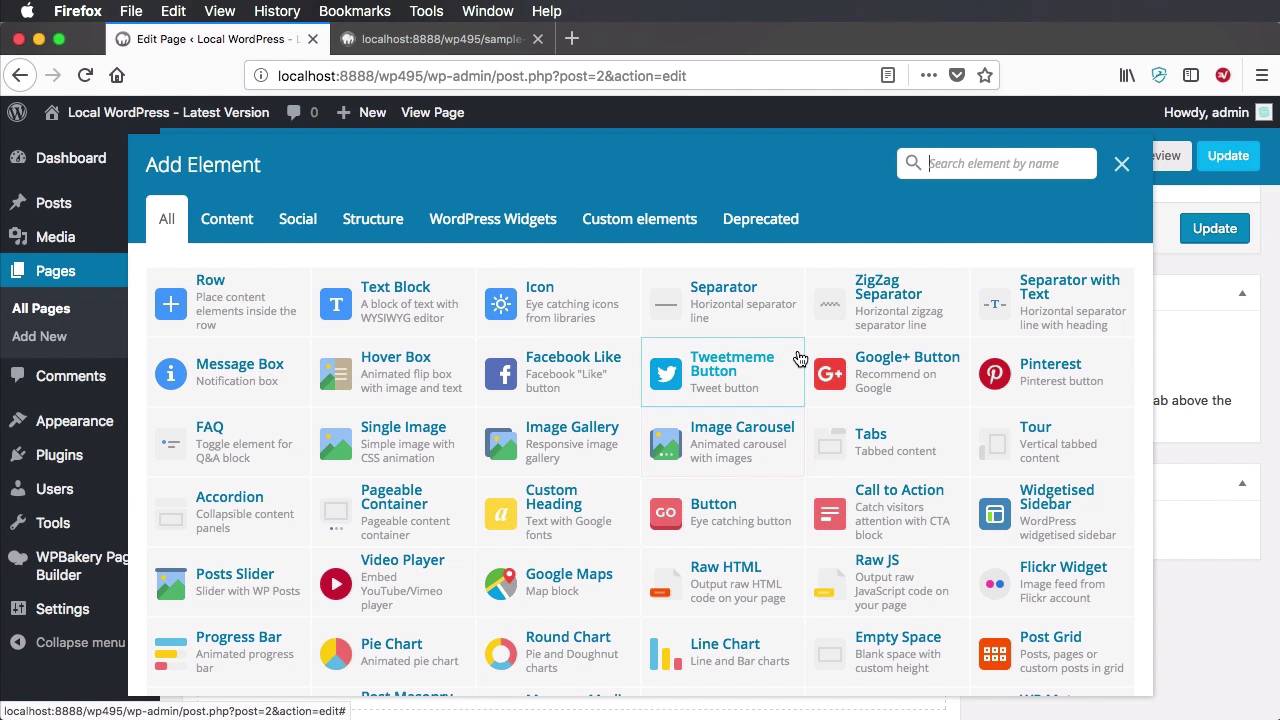
- Overview
- Transcript
2.6 Removing Existing Parameters From Elements
In this lesson you’ll learn how to customize existing WPBakery Page Builder elements by removing their parameters. Let’s begin.
1.Introduction
1.1Welcome to the Course00:53
2.Working With WPBakery Page Builder as a Theme Developer
2.1Licensing03:04
2.2Loading WPBakery Page Builder With TGM Plugin Activation10:29
2.3Adding a New Element17:58
2.4Removing Existing Elements03:33
2.5Adding Parameters to Elements04:21
2.6Removing Existing Parameters From Elements03:38
2.7Adding Default Templates04:11
2.8Smaller Tweaks and Settings04:18
2.6 Removing Existing Parameters From Elements
Welcome to the sixth lesson of this course, where you'll learn how to further customize your Page Builder elements by removing some of their parameters. So, let's quickly do that. We'll go back to our code editor. And let's say I want to remove the color from the custom_button element that we created. So, to remove a parameter, you would use the vc_remove_param function. You would specify the name of the element, in our case it's custom_button. And you will specify the parameter name, in our case it's color. Let's do a refresh, see what we have. Now if we go and edit the custom_button, you'll see that we no longer have the color attribute. It's still there in the short code that we wrote. But if we take a look in the front end, you'll see that it also exists as a class. So the only place that it's removed from is the actual editor in the back end, right? From here, from the list of parameters. If you need to, if you want to get rid of it completely, you would have to go in and modify the short code as well. But if it doesn't bother you, then it's totally fine just removing it like this. Now what about some other elements like the built-in ones from Page Builder. How do you remove parameters from those? Well, let's say that we're gonna add a ZigZag Separator, and I want to remove this Alignment option, right. So, I'm gonna save the changes. I'm gonna hit Update. I'm gonna have a look at the shot code, it's called vc_zigzag. And I'm also gonna have a look in the front end or excuse me, not in the front end, also in the back end here. I wanna hit Edit, I'm gonna, Go to Alignment and we're gonna search for the exact name of that drop down, and if you see here the name is align. So this is the actual ideal name of our parameter. So I'm gonna go back to my code editor. I'm going to say vc_remove_param('vc_zigzag'). And for the parameter I'm gonna specify align. So now if we go back, do a refresh, and edit that separator, you will see that the alignment option is gone. But just as I said earlier, if you want to remove it completely, you would have to edit the original short code provided by Page Builder. And that's how you can remove existing parameters from elements. Now let's talk about templates, because if you've worked with Page Builder before, they have some templates that you can use. And they also have a thing called default templates that you'll find in the tab right here when you create default templates. So we're gonna learn how to do that in the next lesson.





