

- Overview
- Transcript
2.1 A Bit of Planning
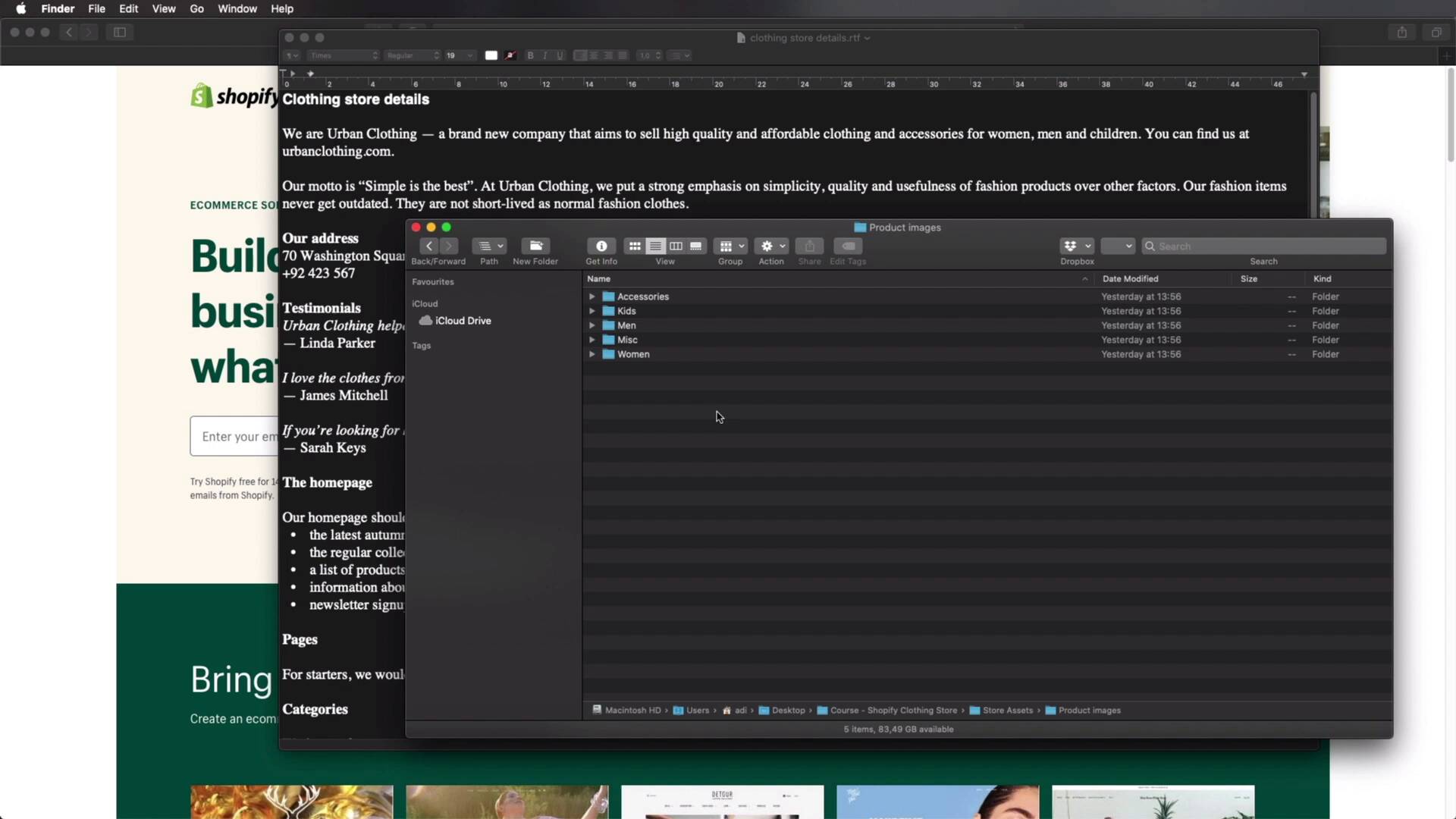
In this lesson, we’ll plan our online store and see exactly what we need to create. This is a demo store, but we'll be adding content that’s very close to the real thing, so this exercise should give you a good idea of the process behind launching a real store. With that said, let’s begin.
Related Links
1.Introduction
1.1Welcome to the Course00:57
2.Building the Store
2.1A Bit of Planning03:36
2.2Creating the Store01:54
2.3Creating Collections05:45
2.4Adding Products to Our Shopify Store13:03
2.5Adding Pages03:52
2.6Installing a New Shopify Theme04:07
3.Customizing the Store
3.1Homepage18:11
3.2Collection and Product Page03:49
3.3About and Contact Page05:18
2.1 A Bit of Planning
Welcome to the first lesson of this course where we'll go over the plan for our online store and see exactly what we need to create now, while this is a demo store that we'll be creating, we'll be adding content. That's very close to the real thing. So this exercise should give you a pretty good idea. Of the process behind launching a real store. With that said, let's begin. Now I have a very simple document that's gonna outline the things that we need to create. So we're creating an online store for urban clothing, which is a brand new company that aims to sell high quality and affordable clothing. As you can see, we're selling clothing and accessories for women, men and children. The website is urbanclothing.com. Here we just have a little bit more information about the company, the address, a couple of testimonials. And then we can see what our homepage should feature. We can see that we just want a contact and an about page. Of course, apart from the usual pages in our in an e commerce website, like. Homepage collection, product cart and so on. These are the categories that we need to add. And these are the details we have to get started. On top of this, I also have a logo. This is the one that we'll be using. I have a theme, it's called the Bixbang, we'll get to this in a future lesson, and I also have product images. Now the product images are split up into multiple folders. So we have one for accessories. And each product has its own folder where we can find images and also a short description. So the name, description, some other information about it, the variance of that product and also the price and you can see I have a file like this in every single directory for every product. So by having this setup before hand will make our task of creating the store much much easier. Now, before we get started, I would just like to make a quick mention. If you wanna learn the basics of creating a shopify store, you can check out a course that I did earlier this year. It's a free course on envatotuts plus it's called how to build a Shopify store. And this will show you basically all the details of how to get started with this platform. This course is more specific because we're building a clothing store. So there will be areas where I'll go more in depth than this introductory course. So make sure to check this out first. And then watch the rest of this Course, all right, so now that we have an Idea of what we need to create. Let's go ahead and do just that will begin in the next lesson where we'll create the actual storm. So I'll see you there





