

- Overview
- Transcript
2.6 Installing a New Shopify Theme
In this lesson, we’ll be installing a new theme for our Shopify clothing store. This is a super simple process, so let’s begin.
Related Links
1.Introduction
1.1Welcome to the Course00:57
2.Building the Store
2.1A Bit of Planning03:36
2.2Creating the Store01:54
2.3Creating Collections05:45
2.4Adding Products to Our Shopify Store13:03
2.5Adding Pages03:52
2.6Installing a New Shopify Theme04:07
3.Customizing the Store
3.1Homepage18:11
3.2Collection and Product Page03:49
3.3About and Contact Page05:18
2.6 Installing a New Shopify Theme
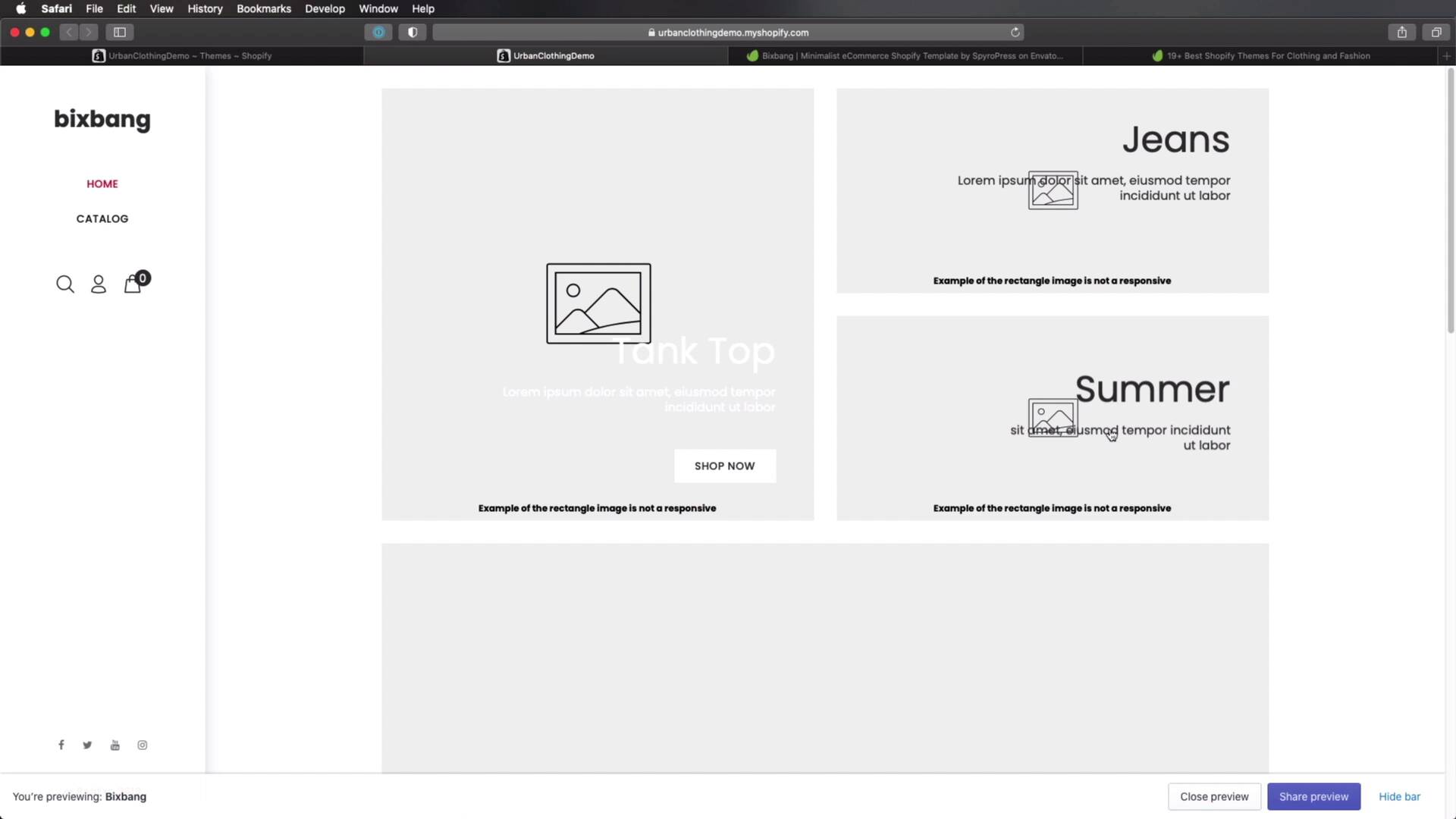
Welcome back to the course. In this lesson, we'll be installing a brand new theme for our online clothing store. This is super simple to do, so let's get started. As I was saying in the previous lesson, the default theme that's provided by Shopify is okay. But not really suited for what we're trying to create. So instead, we're going to be installing a theme called Bixbang. You can find this theme on Envato elements. So go ahead and download it from here. And once you do, you're gonna end up with an archive. You extract that archive and inside, you'll find something like this. Now what we need for Shopify is this Bixbang.zip file. So you can go back to the admin interface. You can click Online Store and under Themes, scroll down until you find Upload Theme. Choose File, select the zip file And click Upload. Now, if you have a slow internet connection, this might take a while, just like it did for me. But once the upload is finished, it's gonna let you know about that. And all you got to do is wait a little bit until the spinner stops loading. And once that's done, you can click on Actions and publish, and then hit again Publish. And now your new active theme is the one that we just uploaded. So, if we go back to the front end, instead of this let's do a refresh. We'll be getting the new theme, which looks something like this. Now, this isn't much, but we will be customizing with this theme. So, it looks very similar to the official preview that you can see here. So we'll be adding a slider of our own, some collections here, some products. And we'll be changing a couple of things as well, like the header, the footer, and so on. Now, Bixbang is not necessarily a theme for a clothing store. It's a minimalist e-commerce template, but it does have a demo for a clothing store. If you don't like this theme, there are a lot more you can choose from on Envato elements. And to help you, we have this very handy article that gives you 19 plus best Shopify themes for clothing and fashion. They're all on Envato elements. And there's also a video available and you can see a preview of each theme and a short description in this article. So go ahead and check out the lesson notes and read all about this. But for the rest of this course, I'll be using the Bixbang e-commerce Shopify template. All right, so now we have a brand new theme installed. But as you saw it, it doesn't look like much. We have to do a lot of customization to it, to get it to where we want. I will start in the next lesson with the homepage. So, I'll see you there.





