
 Lessons: 12Length: 2.3 hours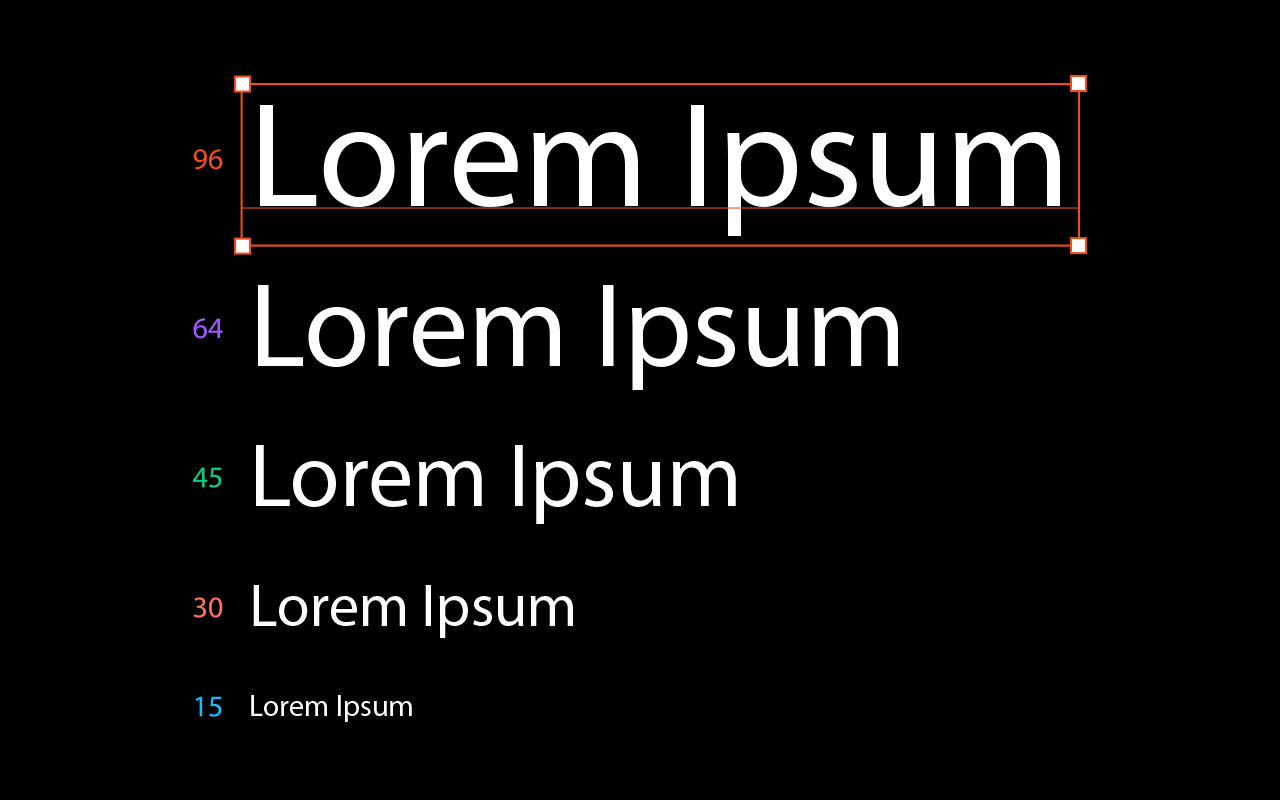
- Overview
- Transcript
1.1 Web Typography Basics in Figma
In this introductory video I’ll explain what lies ahead, and you’ll get a visual feel for the kinds of typographic exercises we’ll be doing. There’s plenty to learn, so let’s begin!
1.Introduction
1.1Web Typography Basics in Figma00:44
2.Font Selection
2.1Font Classifications16:30
2.2Font Combining16:47
2.3Font Stacks15:42
3.Text Size and Size Flow
3.1Establish the Smallest and Largest Text13:31
3.2Create a Size Flow14:42
4.Line-Height and Margins
4.1Line-Height and Rough Spacing08:04
4.2Planning Element Margins27:30
5.Additional Spacing
5.1Indentation, Letter Spacing, and Drop Caps08:33
5.2Style Modifications: White Space08:02
5.3Style Modifications: Site Layout05:26
6.Conclusion
6.1Wrapping Up01:56
1.1 Web Typography Basics in Figma
In this course, you're going to learn how to design web typography for a site using Figma, and implement an extensive repertoire of typographic principles that we've covered on Tuts+ tutorials across the years. This is the first of a two-part course. And in this first part we're gonna cover the most important fundamentals of web typography. By the end of this course you're gonna have a clear understanding of how to select and pair fonts, how to set up your text sizes in a flowing, but practical way, how to properly plan for spacing throughout your typography and when you need to create overrides for the text styles that you've already established. So let's go ahead and get started with web typography basics in Figma. I'll see you in the first lesson.





