

- Overview
- Transcript
3.2 Animation Callbacks
Snap.svg allows you to create callback functions which run whenever an animation is complete. In this lesson, you will learn how to create your own callbacks.
1.Introduction
1.1Introduction00:52
1.2Downloading Snap.svg07:42
2.Creating Graphics in a Snap
2.1Creating Basic Shapes09:38
2.2Complex Shapes08:16
2.3Shape Attributes05:57
2.4Grouping Shapes07:23
2.5Shape Transformations08:37
3.Animating in a Snap
3.1Animation Basics06:58
3.2Animation Callbacks04:53
3.3Easing06:26
4.Basic Interactivity
4.1Installing MAMP03:33
4.2Using an External SVG08:46
4.3Targeting Individual Shapes08:58
4.4Basic Interaction06:32
4.5Hover Events03:32
5.SVG Clock Animation
5.1Importing the Clock SVG06:08
5.2Targeting Individual Clock Shapes08:30
5.3Pulling the Current Time08:30
5.4Organizing the Code05:32
5.5Time Is Circular07:26
5.6Staying Current03:08
5.7Animating the Second Hand03:11
5.8Fixing the Second Hand Animation08:51
5.9Minutes and Hours09:43
5.10Adjusting the Hour Hand03:44
5.11Finishing Touches05:31
6.Conclusion
6.1Conclusion00:54
3.2 Animation Callbacks
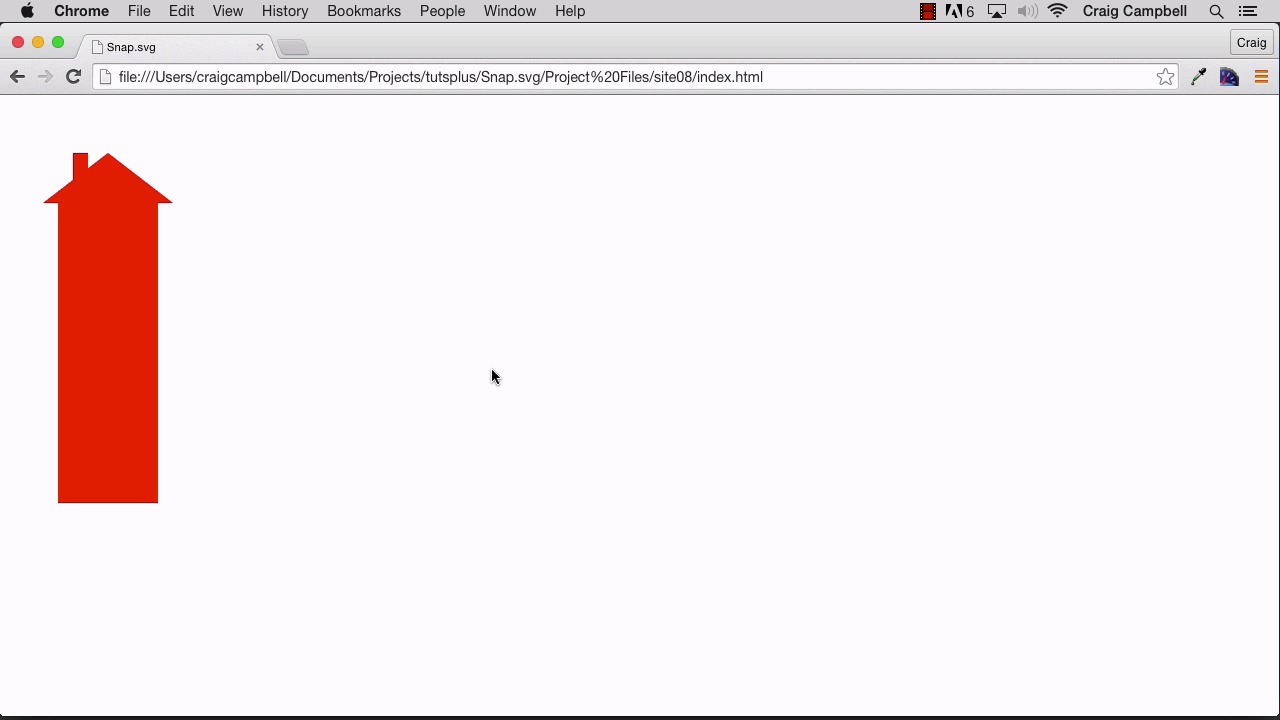
Hello and welcome back to animating with Snap.svg. In this lesson I wanna talk about how we can string animations together. Let's say that we have an animation that we don't want to run until another animation is complete. Well, we can do that with the use of callback functions in Snap.svg and we're gonna take a look at what that is. Now you might notice that I've already created a copy of my site07 folder and I've moved it to or renamed it, site08. And I've got the site08 folder opened up in Brackets. So all the changes we make in this lesson will be saved there in the site08 folder. So if you remember we created a basic animation using the base of the house. Remember the base of the house was just the rectangle at the bottom of the house. And we just animated the height. Let's jump back into our browser and navigate to site 08/index.html. And we can see that animation again in action. Well, let's say that after that animation is complete, we wanna see another animation of the entire house moving from left to right. So let's jump back into our code and see how we would make that happen. So a callback function is very easy to create. All we need to do is to create another parameter inside this animate function. Now we're gonna look at another animate later on for easing your animations but for now. After our animation duration, I'm gonna type comma space. And then the function that we want to use for our callback. And we can explicitly create our function here simply by typing function, open and closed parentheses. And then we need our opening and closing curly brackets. And then we'll take our closing curly bracket and nudge it down a couple of lines. And then in between those curly brackets, we would just put in whatever we need for our callback function. So you could create another animation here or you could do anything you want in JavaScript at this point. And it won't happen until that first animation here, this height animation is complete. So inside this function, let's just do a window.alert. And we'll say animation complete, there we go. So now we just have one line of code inside this callback function which will run whenever our animation is complete. So let's save our HTML file, jump back into our browser and refresh. And now sure enough you'll see that once that animation is complete we get our alert, our pop up that says animation complete on it. So as you can imagine, instead of creating an alert there, we can just create another animation. So let's come back to our code and we'll get rid of our alert. And let's animate the whole house. So before we're just animating the base, we're animating the height of the base of the house. Well now, let's animate the whole house. We're gonna say house, if we can spell it right, house., and let's make this code a little bit bigger so it's easier to see. We'll say house.animate and inside parentheses. And inside curly brackets, we're gonna do a transform animations, we'll type transform colon space. And then we'll put our transformation inside quotes. And you can use single quotes or double quotes, either way it'll work. So for this particular transformation, let's say we just wanna translate it, we wanna move it. So we're gonna type t for translation and let's move it over 200 pixels. So we'll say t200, 100. So that'll move it over 200 pixels and let's actually just leave the second one to zero, we're not gonna move it down at all. So that should transform it, it should move it from left to right, then we wanna say how long we want that to take. Let's make that one take one second as well, so 1,000 milliseconds. And there we go. So let's save that, jump back into our page and refresh. So we see our initial animation. And once that's over, the second animation takes over. As you can imagine, you can also nest your callbacks. So inside this callback, we have this animation. And for this animation, we could create another callback function. So for this callback function, we could create another animation. So let's do the base animation again, maybe make it go back to where it started. So base.animate and we'll do the height again. So inside parenthesis and curly brackets, we'll say height colon. And we'll go back to, let's see the base had a height of 75, so we'll go back to 75, close our curly brackets. Comma space and we make that take one second or 1,000 milliseconds. And then we'll close that, semi-colon to end your statement. And let's see what happens. Save our file, jump back into our browser and refresh. We see our first animation, our second animation and our third animation. So you can nest those as many times as you want to. And by doing that, you will have a sequence of animations that follow one after another. And that's how you use callbacks in Snap.svg. Thank you for watching and I'll see you in the next lesson.





