

- Overview
- Transcript
3.4 Code the “Rates” Page
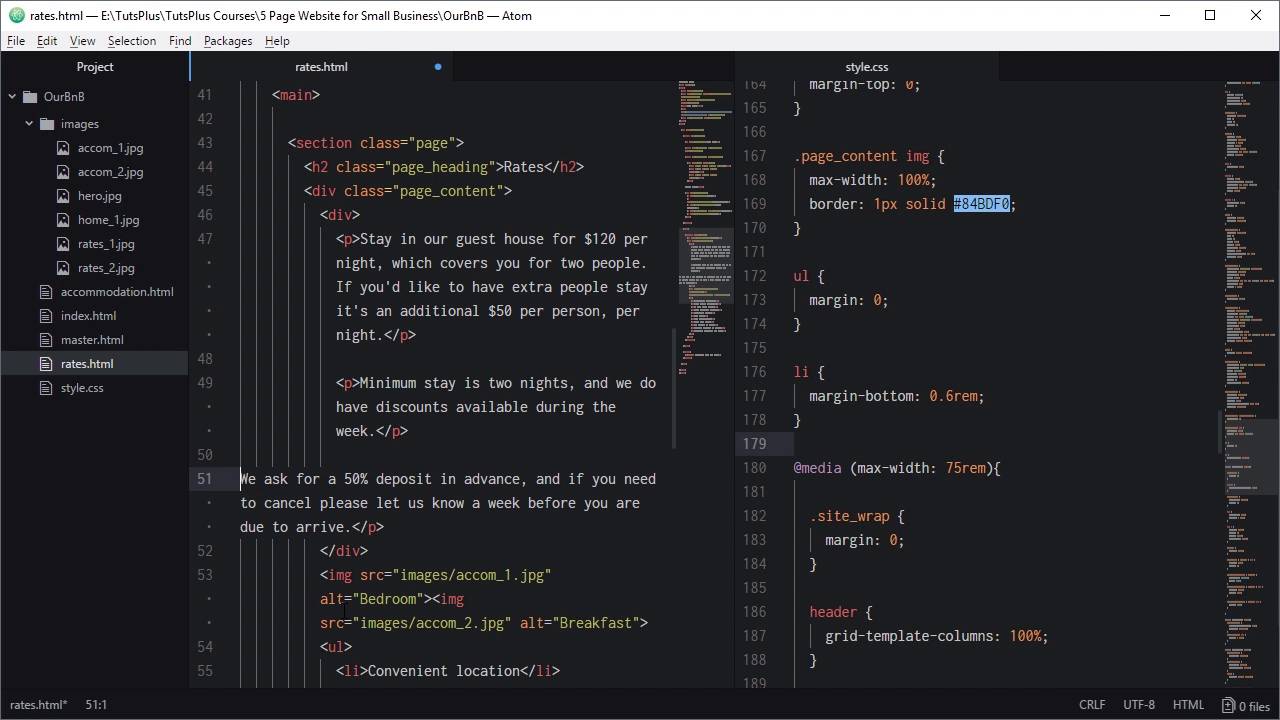
As we saw during the design phase, our Rates page is almost the same as the Accommodation page, so we’ll create it now by duplicating and modifying the Accommodation HTML page.
1.Introduction
1.1Welcome to the Course00:43
2.The Design Phase
2.1Design the Master Layout19:04
2.2Master Layout: Thin Width08:59
2.3Design the Home Page12:54
2.4Home Page: Thin Width05:03
2.5Design the “Accommodation” Page05:31
2.6Design the “Rates” Page03:41
2.7Design the “Guest Comments” Page03:33
2.8Design the Contact Page04:59
2.9Export Images03:43
3.The Coding Phase
3.1Code Up the Master Layout24:37
3.2Code the Home Page16:05
3.3Code the “Accommodation” Page04:50
3.4Code the “Rates” Page02:33
3.5Code the “Guest Comments” Page04:28
3.6Code the Contact Page06:39
4.Conclusion
4.1Wrapping Up04:35
3.4 Code the “Rates” Page
Hello, and welcome back to Build a Classic Five Page Website. In the last lesson, we coded up the accomodation page, which we have on screen here. And in this lesson, we're going to take this page, duplicate it, make a couple of edits, and hey presto, it's gonna turn into the right page. All right, let's go ahead and do that. So we will right-click on the combination page, duplicate it and then you file rate.html. Now this is probably gonna be the quickest of all the pages that we create, cuz there's only a couple of things we have to do. First up we'll take the active class of the combination link and put it onto the rates link. Then change the heading so that it reads rates. Now, we just need to carry over the content from our rates page mock up. So we've got a few paragraphs here. Copy all of that text, gonna add it in here. And we're just gonna need to add an extra couple of paragraph tags. So that each one of these paragraphs is individually wrapped. And you see how we've got these individual paragraph tags here. That's why we added this empty div in here before. If we didn't, then each one of these paragraphs would be turned into a grid cell and we don't want that. We want this to be treated as the grid cell, so that was the reason for that. Now we'll add in our different images. We've got rates_1 and rates_2. And then we've got a different set of list items. So you'll just do the same thing as you did before, add in the list items. I'll just copy and paste those in. And that's it. Just like that. And we're gonna hit the rates link. And there we go. Super straight forward and super quick. So if you get the chance with a site like this, that is static, try to make it as easy on yourself as possible and reuse elements wherever you can. That can also help with the process of coming back and doing any manual updates later if you need to. And again, of course, because we're using the exact same code as on our other pages, the responsiveness is already completely taken care of. Now we've only got two more pages to code up. And the next one that we're gonna tackle out of those is the Guest Comments page. So we're gonna to that in the next lesson. I"ll see you there.





