

- Overview
- Transcript
3.4 Features Section
None!
TranscriptHi guys, welcome back to 30 Days to Your First Website Design, a Tuts+ Premium course. I’m Ian Yates and today we’re going to talk about the features section. Let’s take a quick look at what we’re going to cover in this video:
- There’s very little theory to wade through with this, so we’ll take a look at a couple of Feature section examples.
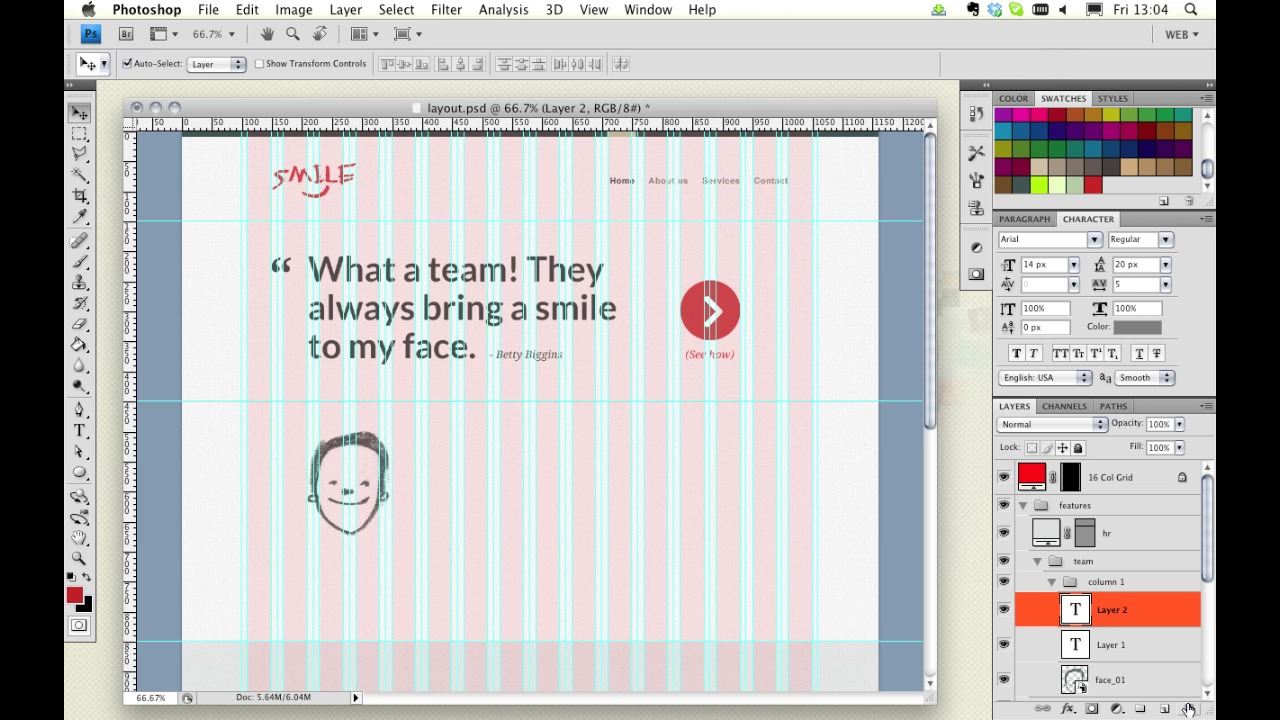
- Then dive right into our layout.psd to work on our own features section.
- Then I’m going to ask you complete an assignment before we attack the next video.
The purpose of a features section is pretty straightforward: it’s there to grab users’ attention. It’s placed usually in direct line of sight upon opening the homepage, informing the user of something interesting, and usually suggesting a follow up action. We’ve mentioned “calls to action” before, and this is a classic example of where to position one – a tempting link which takes the user further towards completing a goal. Take, for example, ThemeForest.
Its feature section informs first time visitors of the site’s performance rate, and offers several options to take the user further. Then we have the Firefox homepage. Here, the features section is used to house a large strap line, plus a conspicuous call to action. Often, sites will use the features section to display a slideshow, or a video – excellent ways of maximizing content within a limited area, and adding an element of dynamism too.
So, enough of this talking, you’ve seen enough slides to last a life time! Let’s open up Photoshop and continue with our layout. If you recall our sketch, we’ll be looking at finishing the testimonials and adding some details about the team.
[Photoshop live demo not included in transcript.]
Next StepsAnd before we jump into the next video, I’d like you to continue with the layout, and build our features section. Next time on 30 Days to Your First Website Design we’re going to look at designing our contact form. I’m Ian Yates and from all of us at Tuts+ thanks for watching!
1.Introduction
1.1Introduction02:44
1.2What is Web Design?06:01
1.3Usability06:07
1.4Content05:20
1.5Goals05:27
2.Planning
2.1Three Don'ts of Design Theory02:48
2.2Inspiration05:45
2.3Style and Theme06:05
2.4Conceptual Sketching11:12
2.5Designing with Grids09:01
2.6The Anatomy of a Webpage05:44
2.7Whitespace05:03
3.Design Concepts
3.1Backgrounds and Textures10:18
3.2Navigation08:31
3.3Web Typography09:12
3.4Features Section16:04
3.5Contact Form12:25
3.6Footer Section09:05
3.7Prepping Your Design05:23
4.Site Elements
4.1Sprite Sheets14:07
4.2Project Organization04:47
4.3Code Editors14:45
4.4Web Standards Model16:25
4.5Semantics14:36
5.Prepping Your Design
5.1Further into CSS12:49
5.2Browsers16:50
5.3Behavior: jQuery slideshow12:43
5.4Form Validation13:23
5.5Cross Browser Testing11:21
5.6Google Analytics07:25
6.Conclusion
6.1Conclusion00:48





