

- Overview
- Transcript
3.2 Navigation
Lesson Notes * Trying to Navigate Website Navigation
Transcript Hi guys, welcome back to 30 Days to Your First Website Design, a Tuts+ Premium course. I’m Ian Yates and today we’re going to sort out our navigation. We’ll begin as always by taking a quick look at what we’re going to cover in this video:
- Let’s start off by examining a few navigation examples.
- We’ll then jump right into our PSD and continue with the layout, by adding our primary navigation.
- Then I’ll set you an assignment before we tackle the next video in the series.
Let’s look at some examples of global, or primary navigation. Now, the navigation examples we’re going to look at demonstrate very different styles, but all essentially complying to what we’ve spoken about regarding their position. Vertical along the top left of the page (sometimes even fixed there irrespective of the page scrolling), or horizontal either top right, or top and centered. These are areas of initial focus, and primary navigation is usually found there because it’s so darn important! Without easily located navigation, no-one will look further into your site.
Even more obscure methods of navigation:
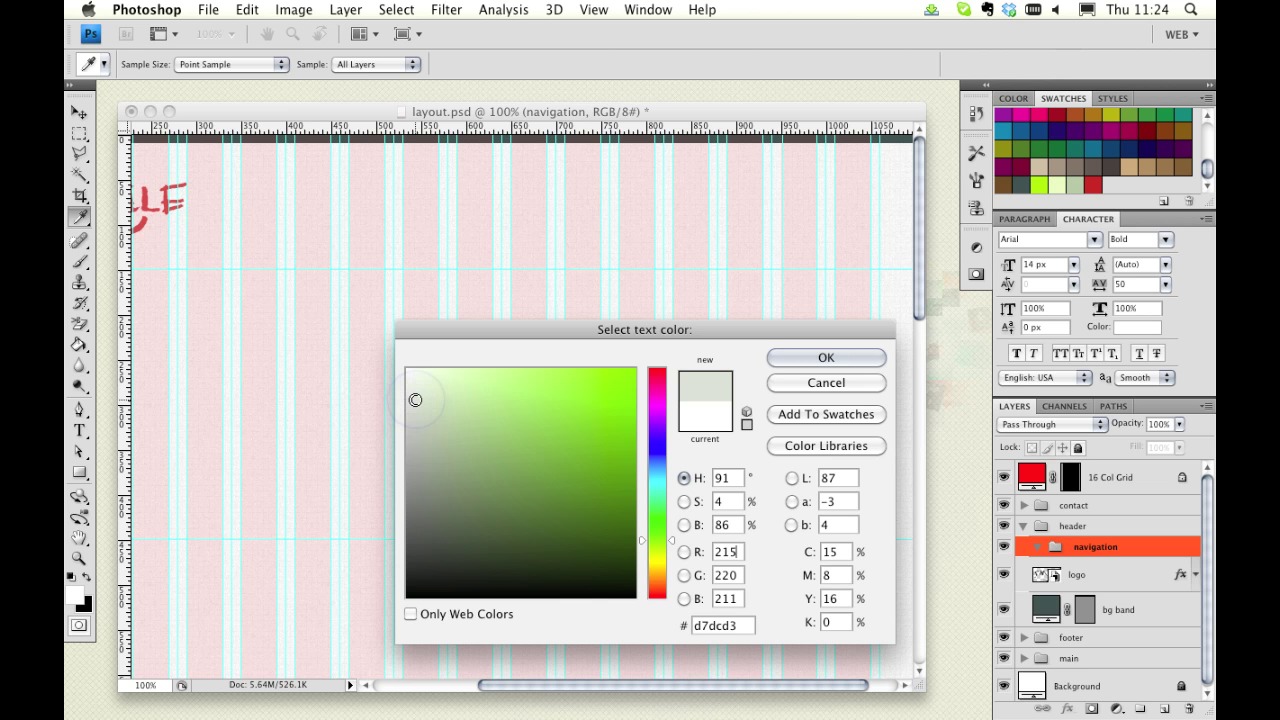
Now if I refer back to the mockup, you’ll recall that the primary navigation was placed in the header at the top right. Let’s add it to our PSD.
[Photoshop demonstration not included in transcript.]
Next Steps It’s time for some further reading: Take a look at this article on Six Revision, Trying to Navigate Website Navigation. It examines conventions, usability, and the practicalities of navigation.
And before we jump into the next video, I have an assignment for you. This is going to be a theme in the coming videos, we’re working together to build our design. I want you to update your file as I go, so in this case, add the primary navigation to the header section. This should be fairly program agnostic too; if you’re working in Fireworks, Illustrator, or some other application, you should be able to follow along just as easily.
Next time on 30 Days to Your First Website Design we’re going to take a look at web typography. I’m Ian Yates and from all of us at Tuts+ thanks for watching!
1.Introduction
1.1Introduction02:44
1.2What is Web Design?06:01
1.3Usability06:07
1.4Content05:20
1.5Goals05:27
2.Planning
2.1Three Don'ts of Design Theory02:48
2.2Inspiration05:45
2.3Style and Theme06:05
2.4Conceptual Sketching11:12
2.5Designing with Grids09:01
2.6The Anatomy of a Webpage05:44
2.7Whitespace05:03
3.Design Concepts
3.1Backgrounds and Textures10:18
3.2Navigation08:31
3.3Web Typography09:12
3.4Features Section16:04
3.5Contact Form12:25
3.6Footer Section09:05
3.7Prepping Your Design05:23
4.Site Elements
4.1Sprite Sheets14:07
4.2Project Organization04:47
4.3Code Editors14:45
4.4Web Standards Model16:25
4.5Semantics14:36
5.Prepping Your Design
5.1Further into CSS12:49
5.2Browsers16:50
5.3Behavior: jQuery slideshow12:43
5.4Form Validation13:23
5.5Cross Browser Testing11:21
5.6Google Analytics07:25
6.Conclusion
6.1Conclusion00:48





