

- Overview
- Transcript
4.2 Project Organization
Lesson Notes * Nettuts+ File Structurer
Transcript Hi guys, welcome back to 30 Days to Your First Website Design, a Tuts+ Premium course. I’m Ian Yates and today we’re going to quickly look at project organization.
We’ll begin as always by taking a quick look at what we’re going to cover in this video:
- We’re going to look at common directory structure
- Then file naming conventions
- Then I’ll ask you to get your hands dirty with an assignment before we begin the next video
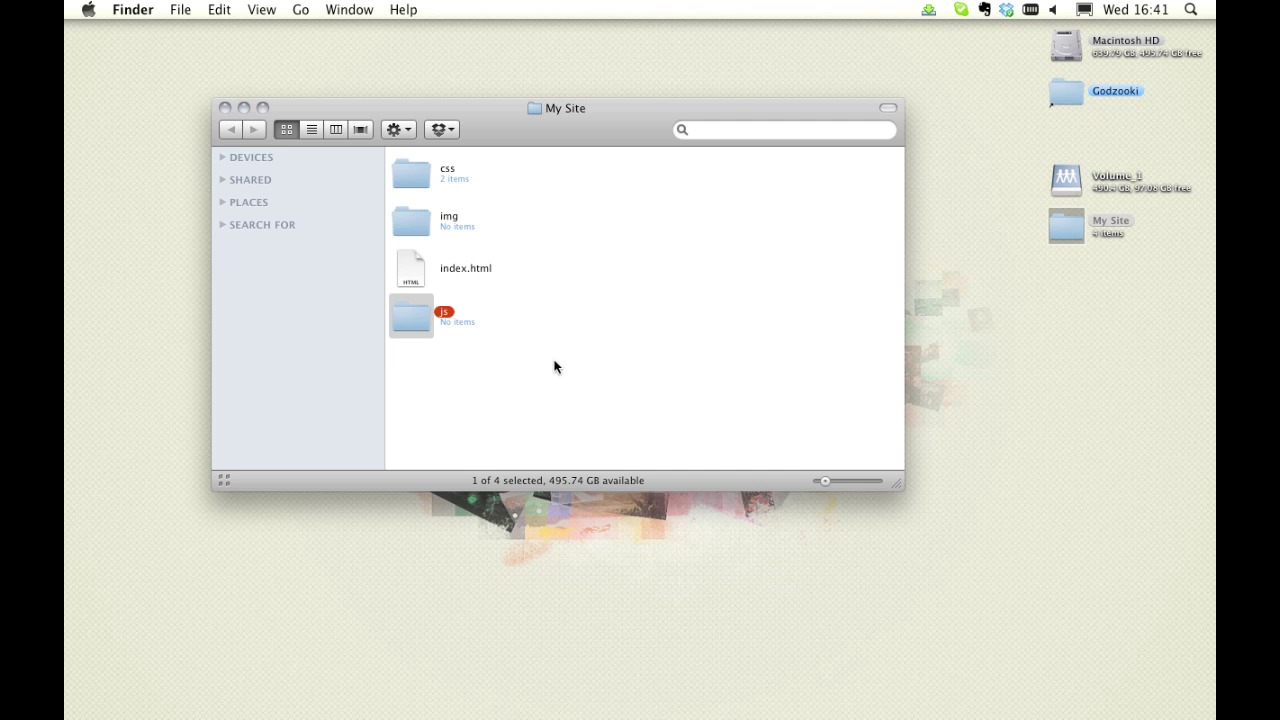
Let’s first look at our project directory structure. There are conventions which are advisable, though not compulsory, to follow in order to make your life easier in the long run. Using common folder and file names will help if you or others ever need to work on your project further down the line.
Let’s look at a typical folder structure. It’s a good idea to use simple, yet descriptive names.
[Live demo not available in transcript.]
As mentioned, using common names will help others understand your work. Take these files for example, it’s clear what the purpose of each of these three css files is. Avoid using spaces within file or folder names. Spaces can conflict in some situations, so stick to underscores or hyphens if necessary. You can also opt for camelCase if that’s your preference.
Lastly, it’s worth mentioning that you should Zip it up! You’ll find you often begin from the same point when you start any web project, so why not make it easy for yourself and save time recreating this structure on every occasion? Zip this template up, so it’s available next time you begin a project. You may find yourself adding to this template over time, if you find there are some files (javascript, or perhaps php) that you commonly use.
Now, I have no further reading for you as such, more of a recommendation: check out the Nettuts+ File Structurer, which allows you to very simply create directories and files without going through the normal process in whatever operating system you use.
And before we jump into the next video, I have an assignment for you: Prepare your directory structure, and zip it up ready for use with other projects further down the line!
Next time on 30 Days to Your First Website Design we’re going to choose our coding applications. I’m Ian Yates and from all of us at Tuts+ thanks for watching!
1.Introduction
1.1Introduction02:44
1.2What is Web Design?06:01
1.3Usability06:07
1.4Content05:20
1.5Goals05:27
2.Planning
2.1Three Don'ts of Design Theory02:48
2.2Inspiration05:45
2.3Style and Theme06:05
2.4Conceptual Sketching11:12
2.5Designing with Grids09:01
2.6The Anatomy of a Webpage05:44
2.7Whitespace05:03
3.Design Concepts
3.1Backgrounds and Textures10:18
3.2Navigation08:31
3.3Web Typography09:12
3.4Features Section16:04
3.5Contact Form12:25
3.6Footer Section09:05
3.7Prepping Your Design05:23
4.Site Elements
4.1Sprite Sheets14:07
4.2Project Organization04:47
4.3Code Editors14:45
4.4Web Standards Model16:25
4.5Semantics14:36
5.Prepping Your Design
5.1Further into CSS12:49
5.2Browsers16:50
5.3Behavior: jQuery slideshow12:43
5.4Form Validation13:23
5.5Cross Browser Testing11:21
5.6Google Analytics07:25
6.Conclusion
6.1Conclusion00:48





