

- Overview
- Transcript
6.1 What You've Learned
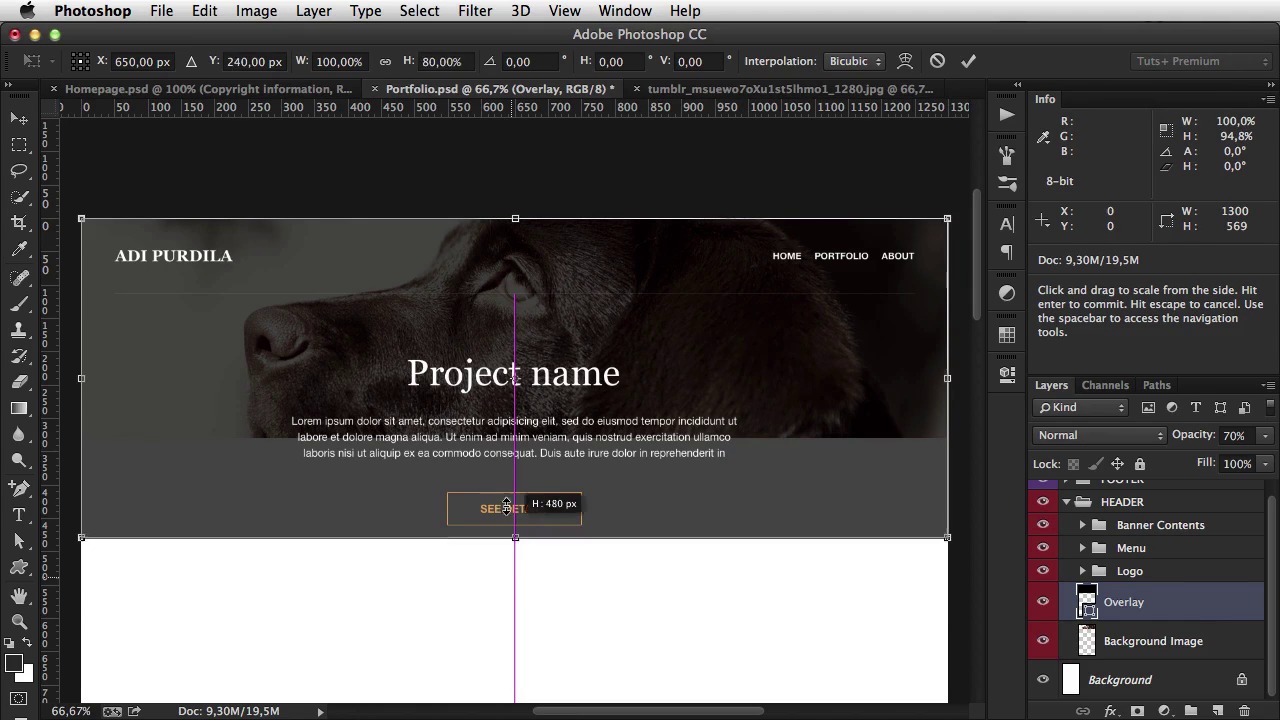
Thank you for watching this course. My goal was to give you the very basics and show you how to create a simple website while explaining each step. I hope you enjoyed this course. I’m Adi Purdila and from all of us at Tuts+, thanks for watching!
Related Links
1.Introduction
1.1So, You Wanna Be a Web Designer?01:15
2.Web Design Fundamentals
2.1What is Web Design?04:03
2.2A Brief History of the World Wide Web03:32
2.3What is HTML?14:10
2.4What is CSS?14:17
2.5Tools of the Trade06:30
3.The Design Stage
3.1Always Plan Ahead04:23
3.2Create Some Sketches10:42
3.3Introduction to Photoshop09:30
3.4Photoshop Design: Homepage Header12:01
3.5Photoshop Design: Portfolio Area (Part 1)11:04
3.6Photoshop Design: Portfolio Area (Part 2)07:21
3.7Photoshop Design: The Portfolio and About Pages07:45
3.8Slicing the Images05:09
4.The HTML Stage
4.1HTML: Homepage (Part 1)08:11
4.2HTML: Homepage (Part 2), Portfolio and About Page09:46
5.The CSS Stage
5.1CSS: Reset CSS and Typography Rules12:41
5.2CSS: General Positioning09:01
5.3CSS: Page Headers10:20
5.4CSS: Final Touches10:34
6.Conclusion
6.1What You've Learned01:30
6.1 What You've Learned
Thank you for watching this course. My goal was to give you the very basics and show you how to create a simple website while explaining each step. From my own experience, I know that seeing someone do something allows you to learn much faster. So, in the first lessons, I talked about what is web design and gave you a brief history of the World Wide Web. Next, I talked briefly about HTML, CSS, and tools you need to use to be a successful web designer. Shortly after, I showed you how to plan your website and how to create some sketches. Then it was time for some Photoshop action. I first gave you a brief overview of the application, and then got on to designing the pages and slicing the images. This was followed by writing the HTML and CSS. Now, I kept things as simple as I could, but if you still have trouble following this, I suggest you take Jeffrey Way's course first. It's called 30 Days to Learn HTML and CSS, and you can find a link in the lesson notes. I hope you enjoyed this course. If you have any questions, please submit them to the lesson comment area, and I'll do my best to reply to each and every one. I'm Adi Purdila, and from all of us at Tutsplus, thanks for watching. Bye.





