

- Overview
- Transcript
3.2 Image Loader
Your typical slideshow will contain images, and sometimes those images will be pretty big in terms of file size. But what happens if you have a really slow internet connection? What happens if Cycle is initialized but the images are not loaded yet? Well, let’s find out.
1.Introduction
1.1Welcome00:34
1.2Why Cycle2?02:22
1.3Plugin Installation and License01:30
1.4A Basic Example03:19
1.5Settings Options04:42
2.Basic Usage
2.1Captions04:58
2.2Using Navigation Controls04:42
2.3Slideshow Effects and Options04:36
2.4Continuous Slideshow03:49
2.5Using Overlays04:32
2.6Using Pagers08:34
2.7Using Non-Image Slides03:34
3.Advanced Usage
3.1Auto-Height06:27
3.2Image Loader05:19
3.3Progressive Loading08:54
4.Optional Plugins
4.1Carousel09:04
4.2Flip and Shuffle05:53
4.3ScrollVert and Tile03:29
4.4Caption2 and Center05:55
4.5Swipe02:12
4.6YouTube05:22
5.The API
5.1Options09:45
5.2Commands07:15
5.3Events04:09
5.4Cycle States and Hash04:51
5.5Template Customization02:27
6.Conclusion
6.1Final Words00:42
3.2 Image Loader
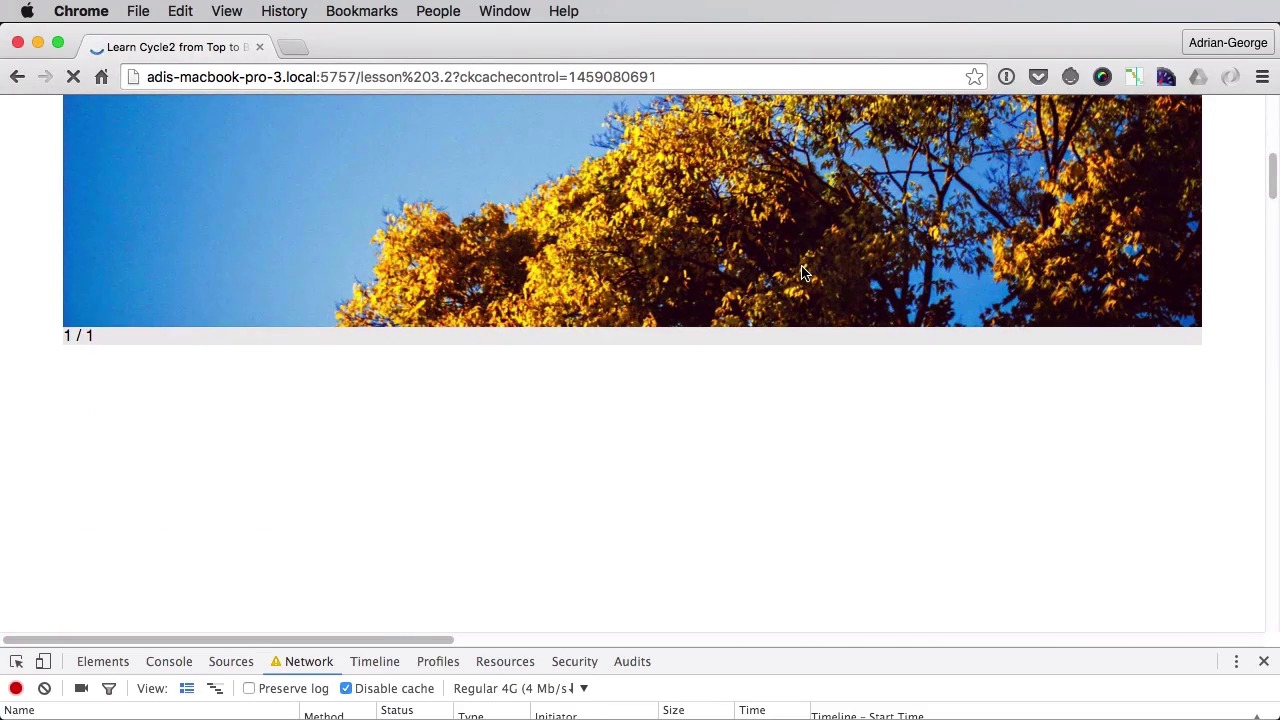
Your typical slide show will contain images, and as we know images represent the biggest or the heaviest parts of any web page. Now what happens if you have a really slow internet connection. What happens if the slider gets initialized, but the images are not loaded just yet. Well let's find out. To find out, let's simulate a very slow connection from Chrome. So if you're using Chrome, you can go to inspect, you can go to Network. And here you can see throttling, and we're going to set this to be a regular 3G connection, right. So set this, let's make this just a tiny bit smaller. And let's do a refresh. Now in order for this to work, we need images that are hosted elsewhere not on our local machine. So, I'm just going to update the src's here. So I have some images on my GitHub page, plus I added a caption. If we do a refresh, you can already see how it looks. Here the images just barely, barely download, and you can see that the slideshow is changing slides without the images even being downloaded first right, so this is an on wanted behavior this is why you can use an image loader now cycle has an option called data cycle loader by default it's turned off. But you can enable it, and you can set two values for it you can either set true or you can set the wait. And let's see what happens, if we set this to true first. So right here, we're gonna say data-cycle-loader equals true, right. Now let's save this and go back here sets the throttling again, do network. Let's do like good 3G regular 4G. Let's try with regular 4G for now, see if we get the desired result. Still refresh. Yeah. So, it's currently downloading the images, but as you can see there is no slider being shown just yet, because we don't have the images yet. Okay, there we go. So, I don't know if you saw that, it was kind of fast. Maybe you can just rewind. But It got the first image. Then it got another one, and another one, and it updated the slide count afterwards. Right, so let's actually try this with a slower connection and see if you can see this better. So, this is going to take a while. I'm just going to fast forward here, until we can see a result. And you'll see how this this option will simply load, when two images have downloaded, and then it's going to show the slide show, and then it's going to download the other images. So one by one, here we go, one out of one, one of a two, three, and four. Now, so this was a bit clearer I hope. Yeah, so this is what loader troop is doing. Now, you need to be aware, because when using the loader true because images are added to the slide show as they are downloaded, they might not be displayed in their natural order. In the order, you set them in HTML. But using the option will guarantee that the slide show will be initialized as soon as two of the slides are available. So that's option one option two is called wait. So instead of true we're going to set this to wait. Now wait will essentially wait for all of the images to download all of the slides to be ready. That ensures that all of the slides will be displayed in their correct order, in the order you set in the HTML right. So I set this to wait and let's actually get a faster connection here and let's do a refresh. And now it's going to take a while, but it's going to download, or it's going to initialize the slide show after everything is loaded so. Any moment now, and there you go. The slider with all four slides loaded at once. So those are the two options. Wait and true. And that's it for cycles loader option. Really handy when it comes to working with images. Now another option that's really handy when working with images is called progressive loading, and you'll learn about that in the next lesson.


