


- Overview
- Transcript
1.3 Plugin Installation and License
In this lesson you’ll learn about the plugin installation process and its license. Let’s begin.
Related Links:
1.Introduction
1.1Welcome00:34
1.2Why Cycle2?02:22
1.3Plugin Installation and License01:30
1.4A Basic Example03:19
1.5Settings Options04:42
2.Basic Usage
2.1Captions04:58
2.2Using Navigation Controls04:42
2.3Slideshow Effects and Options04:36
2.4Continuous Slideshow03:49
2.5Using Overlays04:32
2.6Using Pagers08:34
2.7Using Non-Image Slides03:34
3.Advanced Usage
3.1Auto-Height06:27
3.2Image Loader05:19
3.3Progressive Loading08:54
4.Optional Plugins
4.1Carousel09:04
4.2Flip and Shuffle05:53
4.3ScrollVert and Tile03:29
4.4Caption2 and Center05:55
4.5Swipe02:12
4.6YouTube05:22
5.The API
5.1Options09:45
5.2Commands07:15
5.3Events04:09
5.4Cycle States and Hash04:51
5.5Template Customization02:27
6.Conclusion
6.1Final Words00:42
1.3 Plugin Installation and License
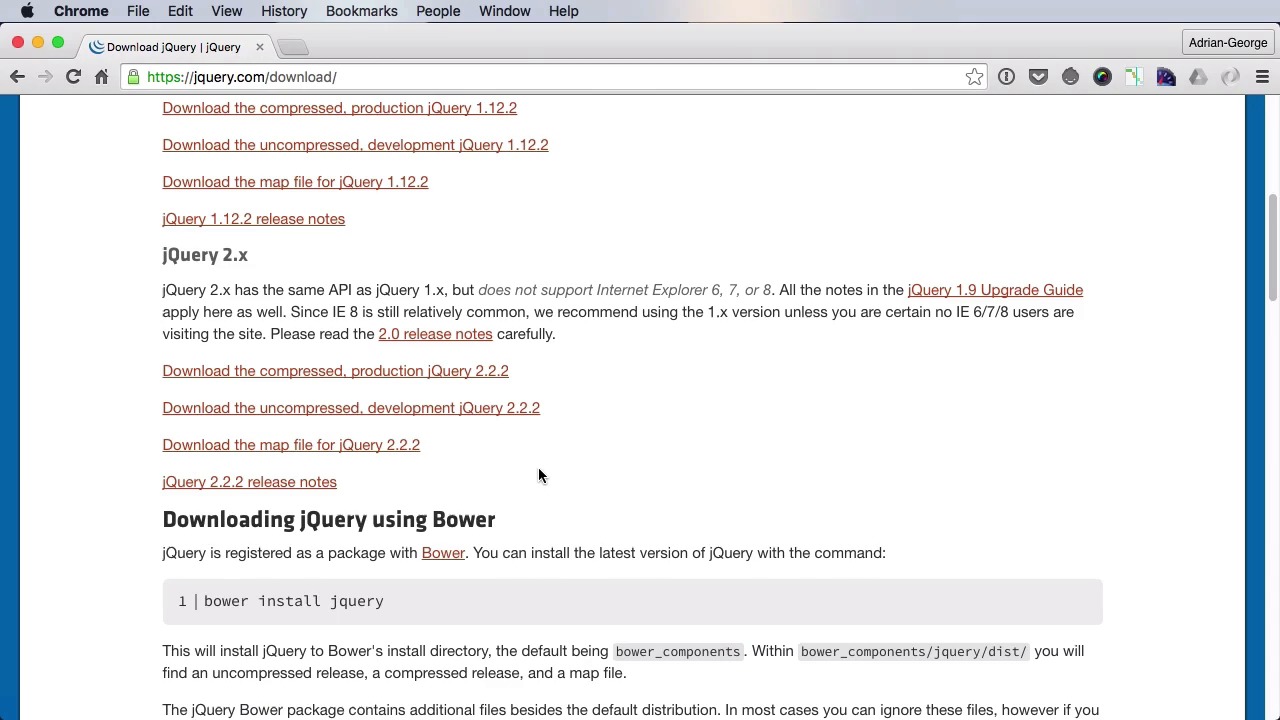
First, let's talk about the licensing and this plugin is dual licensed under MIT in GPL so he can use either of these licenses. What it basically means that it's free to use. a special including for commercial projects, now of course your support to Mr Mike Allsup the creator of this plugin is much appreciated now let's see about installation. And because this is a jQuery plugin, the first thing you'll need is jQuery. You can find instructions for installing jQuery on the official page. And once you do, you'll have to reference it in the footer of the HTML page right before the end of body tag. The next thing you have to do is download the cycle file. And yet either of the minified production version or development it makes no difference. I recommend the minified version. Now you can also get the file via Bauer the command is Bauer install J. query dash cycle two and if you don't know how to work with Bauer check out the lesson notes for some helpful links. Next, to make sure you reference that cycle file in the footer of your page just like you did with the jQuery1 and you're pretty much set. All you need is some markup to make the slideshow work and will have a look at the markup in the next lesson.


